pi-cc-tools0.8.3
Claude Code-style tool rows for Pi: one live activity line while a call runs, one summary line per turn.
Untested on omp
This is a pi package. No one has reported whether it works on omp yet. If you try it, add your result below.
Reports 0
No reports yet.
Readme
pi-cc-tools
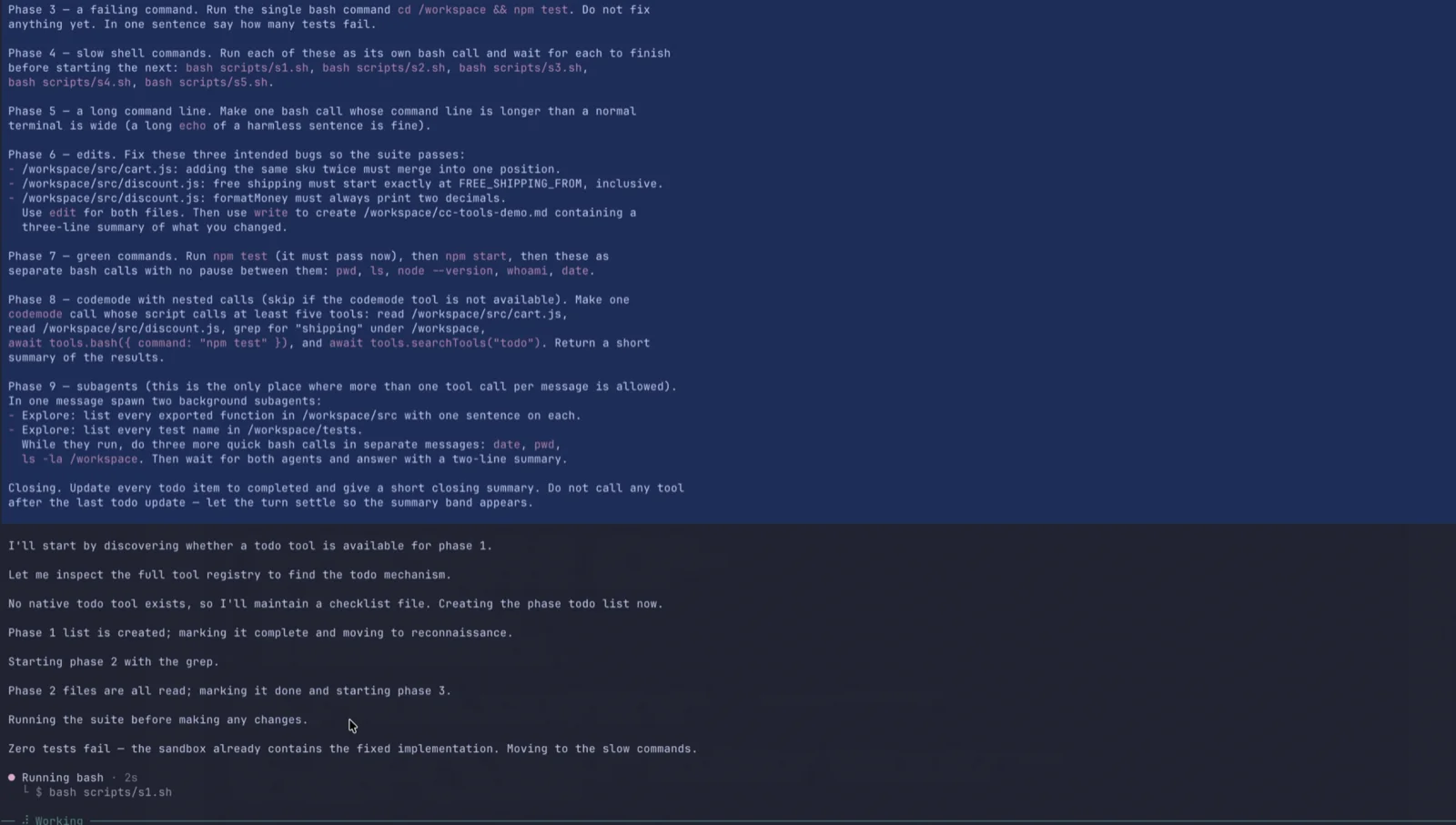
Claude Code-style tool output for Pi. While a tool runs, the transcript shows a single line with what is happening right now and how long it has been running. The line stays when the call finishes — now carrying a green check — and is replaced by the next call, so a burst of short commands never leaves a blank gap. When the turn settles, the line collapses into one summary band above the answer.
 ● Running npm · 4s
   └ $ npm view hunk version 2>&1 | head -5

 ○ Thought for 11s, searched for 2 patterns, read 3 files, ran 5 shell commands, spawned 2 agents
 ─────────────────────────────────────────────────────────────────────────────────────────────
Display only: model messages, tool results and the session transcript are never touched.
Demo
The main clip is the thinking-off run: one live line, replaced call after call and never blank
(media/pi-cc-tools_live-line_thinking-off.mp4,
2 min). Click the frame to play it.
Screenshots
Settings variations: thinking time on, the renderer switched off, the two row kinds, and the
/cc-tools menu in each row mode.
Thinking on — video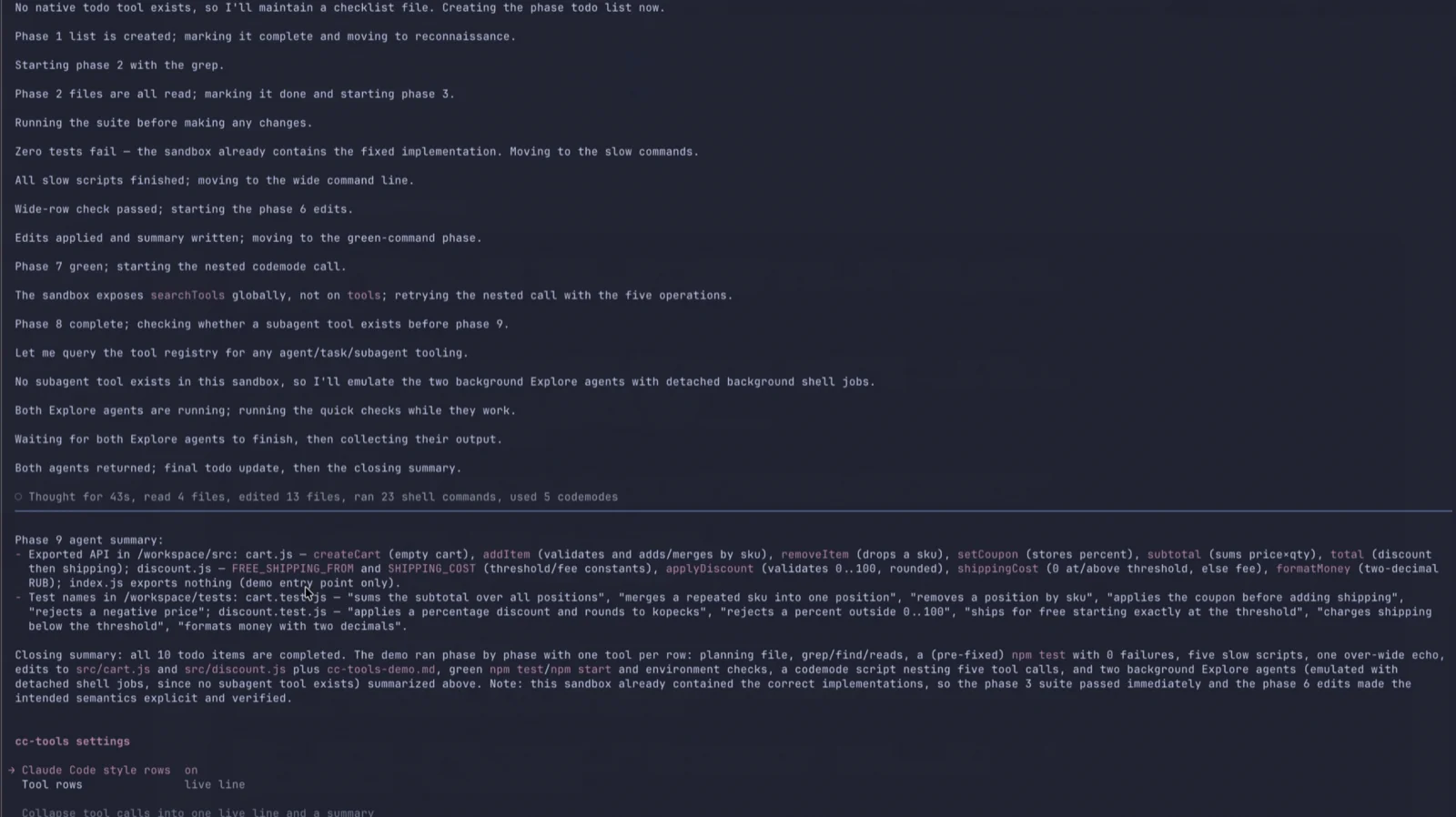 |
Renderer off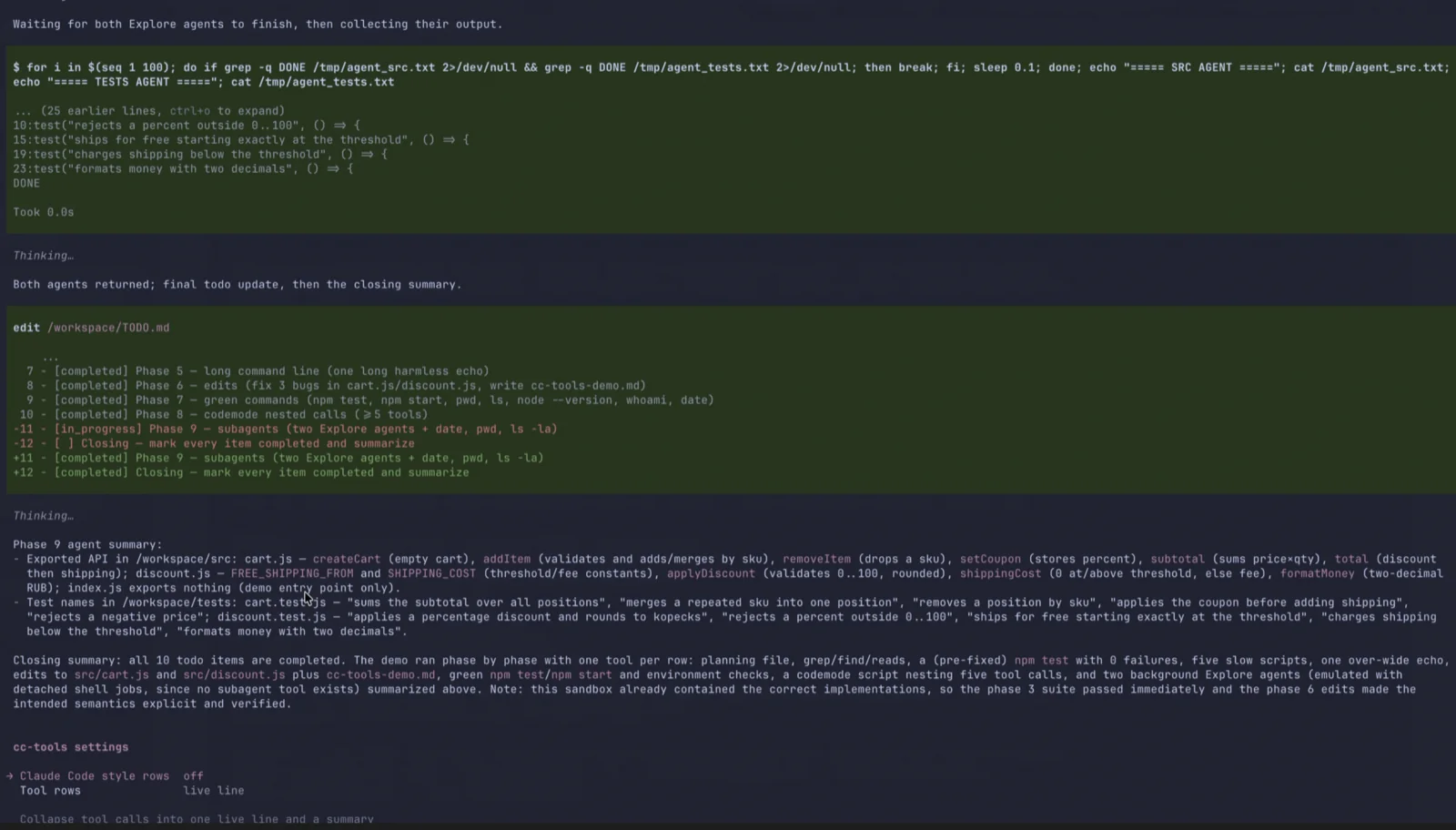 |
Editing a file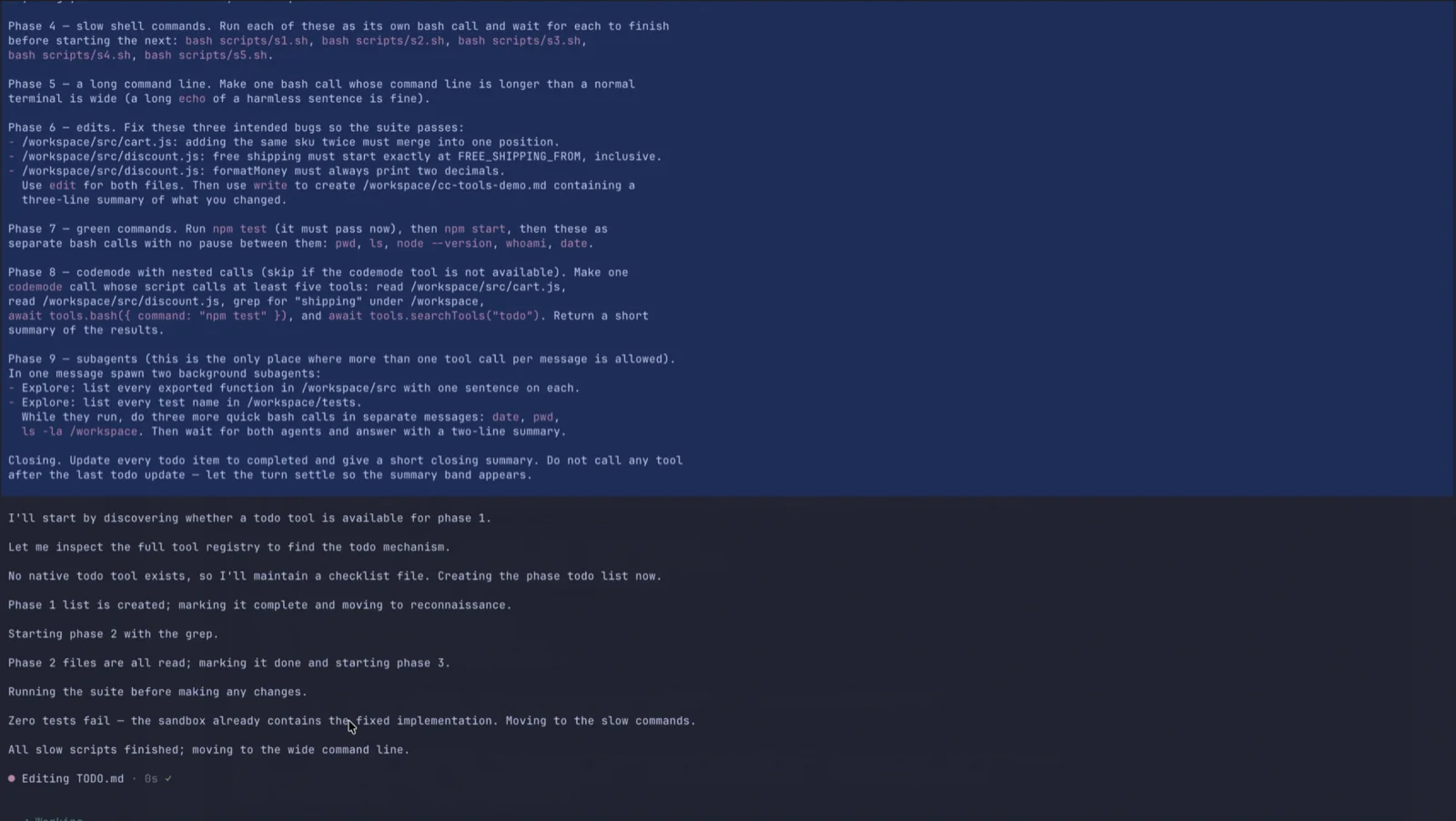 |
codemode with nested calls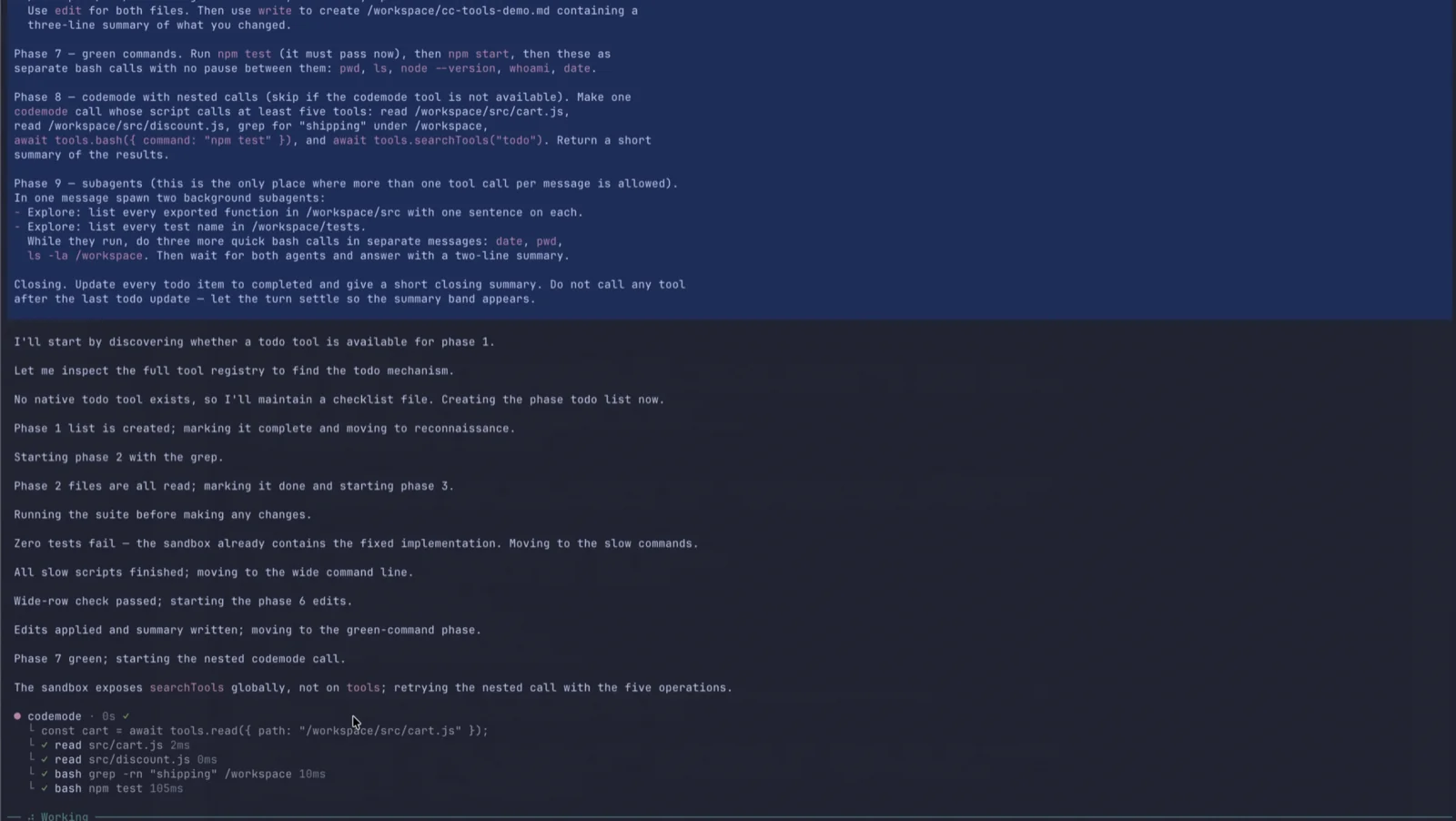 |
Settings — live line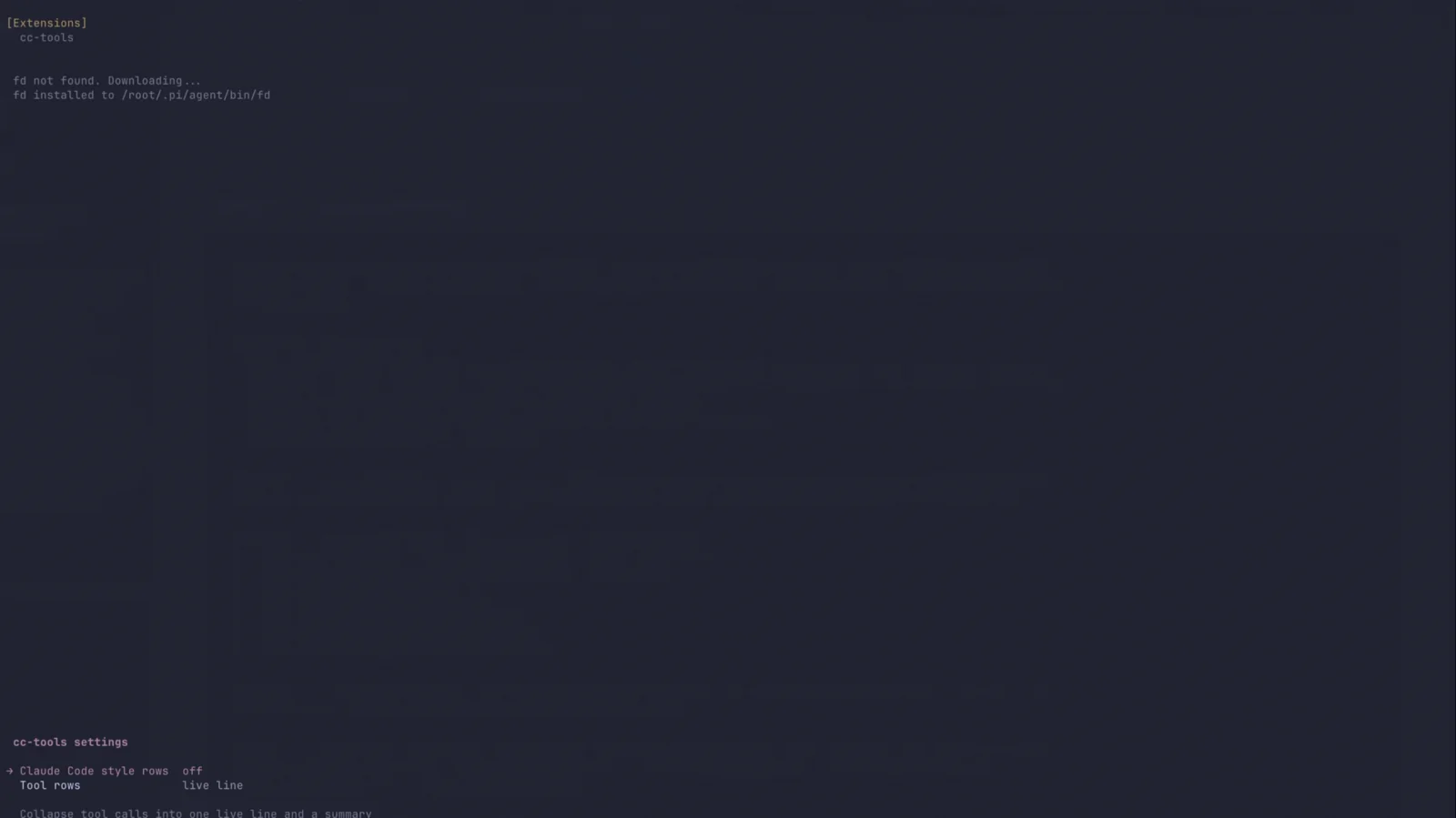 |
Settings — all rows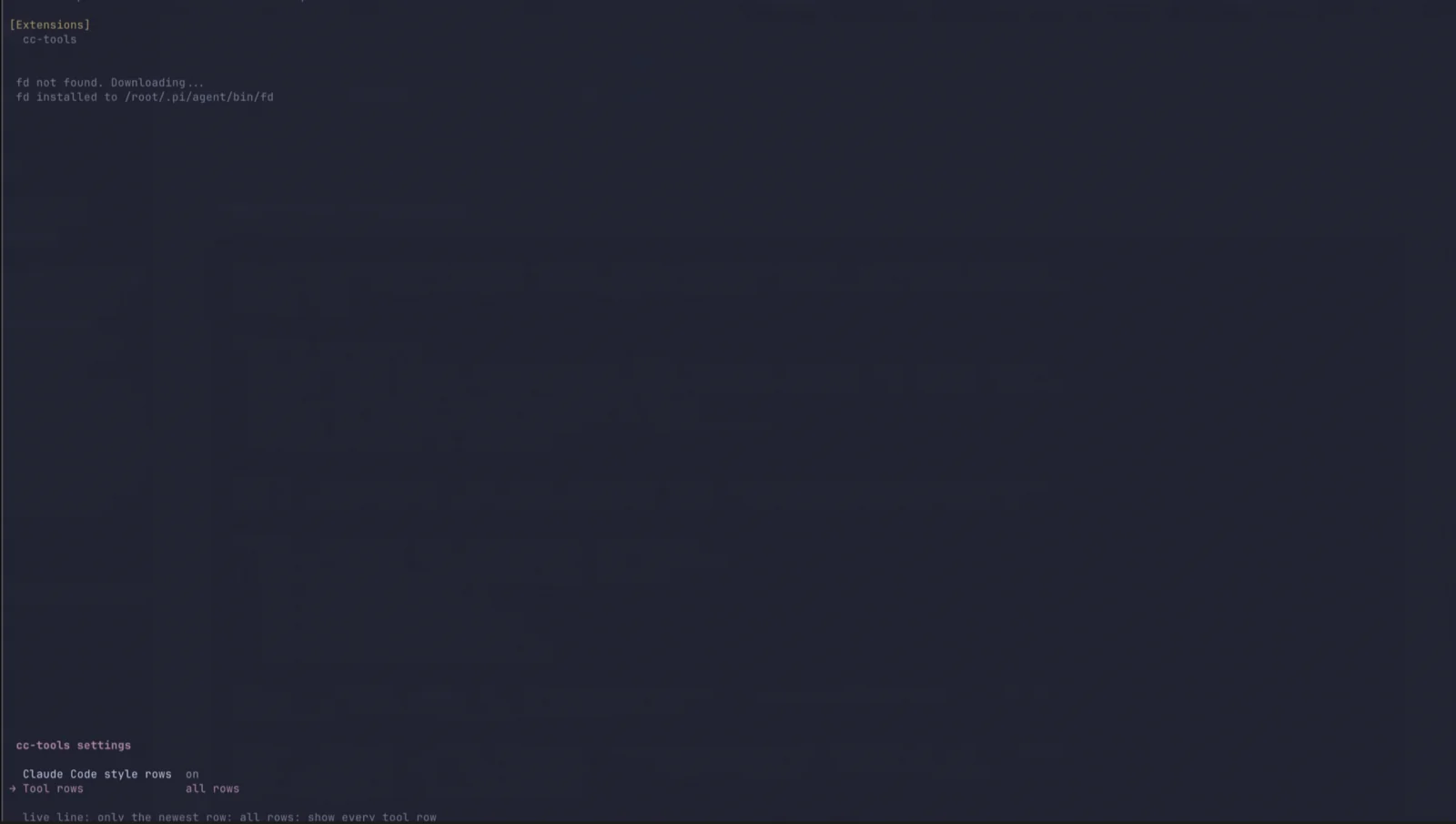 |
Install
pi install git:github.com/onpavlov/pi-cc-tools
Other sources:
pi install npm:pi-cc-tools
pi install ./pi-cc-tools            # local checkout
pi -e ./pi-cc-tools/extensions/cc-tools/index.ts   # try it for one run
What it draws
While a call runs — one line, replaced as the next call starts (two snapshots of that line):
 ● Reading src/config.ts · 1s ✓

 ● Running npm · 12s
   └ $ npm test -- --watch=false

 ● codemode · 3s
   └ await tools.searchTools("rank")
   └ ✓ mcp:dev-radius:search rank 120ms
   └ ✓ read src/config.ts 8ms
Only the newest call has the line. A finished call keeps it — with a green check next to the duration, or a red cross when it failed — until the next call replaces it at once. The line is therefore never blank: consecutive short commands change its text instead of making it blink, and the last finished row stays put while the model thinks.
The second line is what the call runs: a shell command for bash, the first meaningful line of the
script for codemode (its // @options: hint and blank lines are skipped). A codemode script can
call any tool, including MCP tools; those calls never reach the transcript as rows of their own, so
they are listed underneath the call that made them, newest eight with a status (… running, ✓ ok,
✗ error, ⊘ cancelled), their argument preview and their duration. Older calls collapse into
... (N earlier calls).
The hand-over waits until the next call's arguments are complete: pi creates the component while the
model is still generating it, and drawing it then would flash an empty Running… · 0s and grow the
command chunk by chunk. The line changes once, with the whole command.
The ● of a call in flight glows: its lightness travels up and down around the theme's
accent in OKLCH — about ±0.14, so the dot brightens and dims — while hue and chroma stay
exactly where the theme put them, so it never washes out toward the background. Only the
colour changes: the glyph stays one cell, so the row keeps its width and the slot its height.
The glow is a pure function of the clock (a 1 s loop), so a skipped frame, a repaint or a
/reload never desyncs it, and it stops the moment the call finishes: a finished row keeps a
static dot beside its ✓/✗, the summary band keeps its own ○, and a replayed session
never animates. A theme without concrete colours falls back to a plain ●.
The activity area holds a fixed three-line slot for as long as the run is open: the gap above the
row, the row itself, and its command line. A taller row — a codemode call with its nested calls —
raises the slot, and the slot keeps that height until the run settles: a row that goes away (a pause
between calls, a settled call in a reopened run) leaves it blank instead of shrinking it, so nothing
below (the streaming answer included) jumps while tools come and go. The reservation is dropped when
the turn settles: the summary needs only its own gap.
When the turn settles — the line collapses into the run's summary:
 ○ Thought for 15s, read 3 files, edited 1 file, ran 27 shell commands, used 6 todos, spawned 5 agents
 ───────────────────────────────────────────────────────────────────────────────────────────────
The ○ marker is deliberately not the ● of a call row, and the full-width rule closes the band,
so the answer visibly starts after it instead of under one more dim activity line. Narrow terminals
drop the rule rather than wrap it.
Phrases appear in a fixed order: thinking, search, read, edit, shell, agents, other tools.
Durations switch to minutes (Thought for 2m 5s), and Worked for Ns is used when a run has
nothing counted.
All rows mode — choose all rows in /cc-tools (or /cc-tools reveal) to keep every call on
screen instead of collapsing to the newest one. Each call keeps the same row shape the live line
draws — marker, verb, duration, command line and nested calls — and the summary band closes the run
as its last row, so consecutive calls never overwrite each other:
 ● Running git · 1s ✓
   └ $ git status

 ● Running rg · 3s ✓
   └ $ rg TODO src

 ○ ran 2 shell commands
 ─────────────────────────────────────────────────────────────────────────────────────
Rows are separated by a blank line and pass through ROW_PAD like the live row; long commands are
truncated at the render width. A shell command that starts with cd … && previews the actionable
program (Running rg, not Running cd).
Controls
| Action | Effect |
|---|---|
/cc-tools |
Open a settings menu (like /settings): renderer on/off, live line vs all rows |
/cc-tools on · off · toggle |
Shortcut: enable or disable the renderer |
/cc-tools reveal · hide |
Show every call as its own row, or collapse to the live line |
| Click the summary row | Toggle the same reveal |
Ctrl+O on a call |
Expand that call to Pi's full output |
Both settings are saved: the renderer state and the row mode go to
~/.pi/agent/cc-tools.json ($PI_CODING_AGENT_DIR when pi runs with its own agent directory) and
are restored on the next start. The command-line shortcuts write the same file.
How counting works
Counts come from the assistant messages of the current turn (and, on replay, from the session branch), so they survive reloads and restarts. Two consequences worth knowing:
- Activity the transcript never announced is not counted — a subagent's tool calls run in their own
session, so the summary reports the main agent's work plus
spawned N agents. - The calls a
codemodescript makes are part of that script's work, not separate calls: the run reports onecodemodecall, never oneread/grepper inner call. - A run split by notifications (subagent completion, injected context) keeps counting into the same turn instead of starting over.
The only thing written to the session is a cc-tools-summary custom entry holding the run's timings;
counts are re-derived from messages, so older sessions replay with real numbers.
Compatibility
- Pi
1.4.0or newer. - Works with the default renderer and with custom footers/editors; nothing depends on Pi's own spinner or animation loop.
- While a call runs the row is repainted at animation cadence (every 90 ms, a colour-only change of one cell); with a theme that resolves no concrete colours it is repainted once a second for the seconds counter.
- Reload-safe:
/reloadswaps the renderer for the new code and keeps the current turn's counters.
Debugging
Set PI_CC_TOOLS_DEBUG=/tmp/cc-tools.log to trace the renderer: which row each component draws,
when the elapsed timer arms and fires, and what a settle persisted.
Development
npm test # 142 offline tests, no model and no terminal
The tests import the extension through jiti the same way Pi does, drive lifecycle events through a
stub ExtensionAPI, and render components through Pi's real container. They run one file per process
because the patch state lives on ToolExecutionComponent.prototype.
CC_TOOLS_EXTENSION=/path/to/variant.ts npm test # run the suite against a modified copy
See tests/README.md for the file-by-file coverage map and the regression list.
Layout
extensions/cc-tools/index.ts   the extension
media/                         demo video and screenshots (README and package gallery)
tests/                         offline renderer and lifecycle tests
Known limitations
- The first call of a run still adds the slot's three lines: nothing before it exists to reserve the space. From the second call on the height stays put.
- A call's row appears once its arguments are complete (or it starts executing): while the model is still generating a long command, the previous row stays and the new one is not shown yet.
- Nested rows come from Pi's tool events, so
codemode's non-tool calls (searchTools,models.classify) are not listed under the script; its tool and MCP calls are. - The collapsed row lists the newest eight nested calls;
Ctrl+Oopens Pi's own renderer, which shows the whole script, the call log and the output. - Thinking time is measured from streamed reasoning; providers that send none report no
Thought forline. - The glow moves lightness only, and the shift is clamped to stay inside sRGB: an accent already near white or black pulses less than a mid-tone one.
- Expanded calls (
Ctrl+O) always use Pi's own renderer, so they ignore the summary styling.
License
MIT — free to use, copy, modify, merge, publish, distribute, sublicense and sell. See LICENSE.