@prjct.app/pi-sync0.3.0
Back up and restore complete portable Pi setups between machines, including automatic extension and package installation. Never uploads auth or sessions.
Untested on omp
This is a pi package. No one has reported whether it works on omp yet. If you try it, add your result below.
Reports 0
No reports yet.
Readme
pi-sync
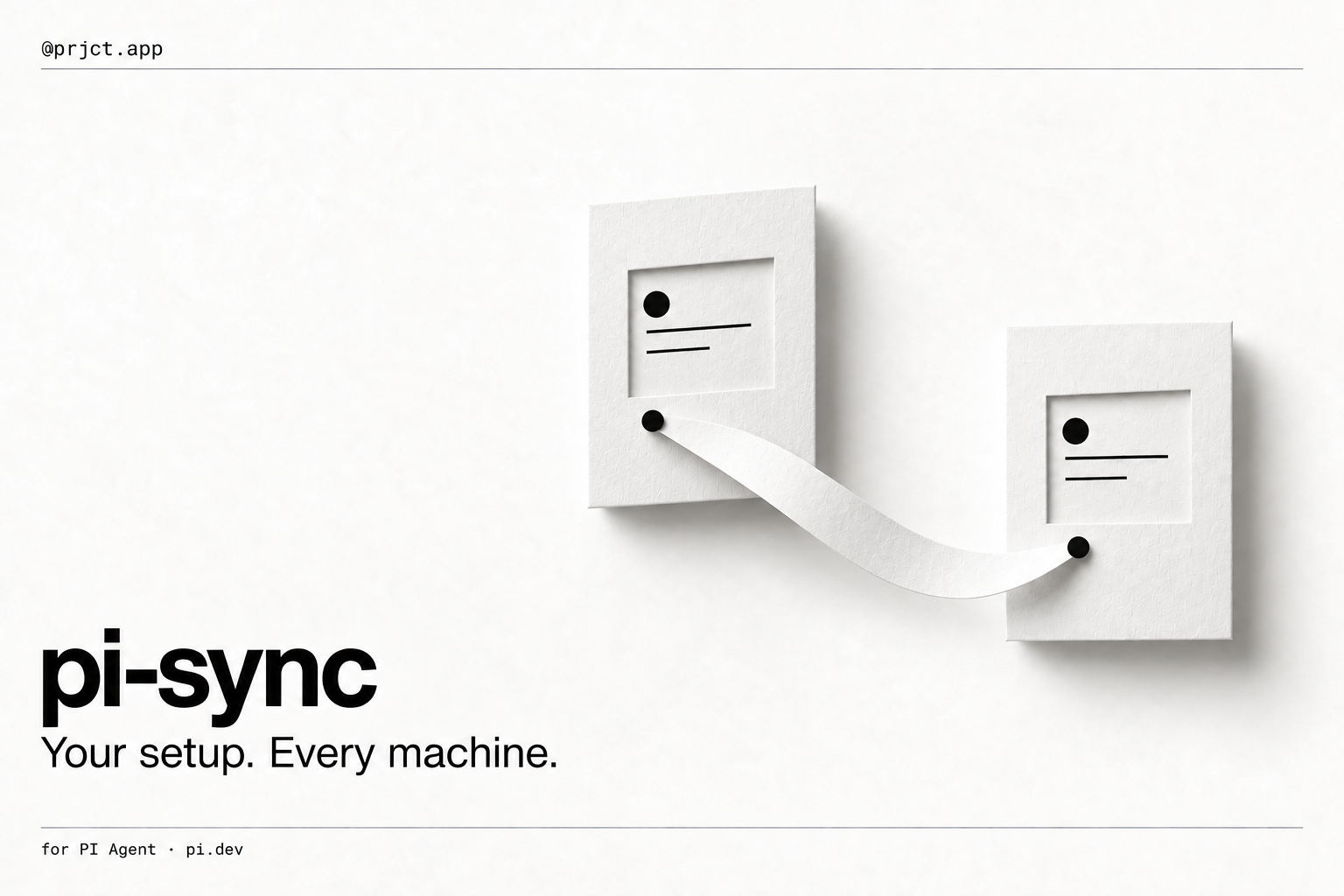
Back up Pi on one machine. Restore that setup on another, including its extensions.
Two actions
Open /sync and log in to your account.
- On the source machine: choose Back up this machine and press Enter.
- On the other machine: open
/syncwith the same account, choose the source machine's dated backup, and press Enter to Restore.
Restoring asks once, downloads the setup, installs its packages and local extension dependencies, saves your previous setup for recovery, and reloads Pi automatically. There is no separate “accept code” mode and no manual package-by-package installation.
A backup only uploads. A restore only downloads and applies. Restoring never uploads the target machine over the source backup. New backups keep older versions; each is labelled with its source machine and date.
What travels
The backup covers your user-level Pi setup (PI_CODING_AGENT_DIR, normally ~/.pi/agent), not your operating system, project workspaces, or entire disk.
- Settings, keybindings,
AGENTS.mdand related instruction files, MCP and model definitions. - Complete
extensions/,skills/,prompts/,themes/, andinstructions/trees, including helper files, binary assets, scripts, and enabled/disabled preferences. - Npm packages at their installed versions, with package resource filters preserved. Git packages use their installed commit.
- Local package and external resource sources are included and their paths are relocated for the destination machine.
- Dependencies declared by local extension/package manifests are installed through Pi's package manager. Pi-provided peers are not bundled again.
Not uploaded: provider logins, tokens, environment files, sessions, node_modules, git metadata, or caches. Credential fields are removed from MCP/model definitions. Each destination retains its own credentials and machine-specific settings. A new machine may still need provider or private-registry login.
Local/workspace-linked dependency declarations must use portable registry sources; an unsupported link or detected secret blocks the backup with an error rather than silently omitting it. Backups are limited to 20 MiB encoded / 5,000 files, with a 4 MiB source-file limit.
Restoring safely
- A restore replaces the backed-up portable setup; it does not choose winners by file modification time or merge two different machines.
- Downloads and checksums are validated before use. Required packages are installed in a staging directory before active configuration is changed.
- Ordinary install/apply failures roll back the change; the previous setup is retained locally after success. Its recovery path is shown in the result.
- Existing credential/environment files and sessions stay on the destination. Old extensions not present in a complete backup are removed from the active setup, but retained in the recovery copy.
- Backup and restore operations on the same agent directory cannot run concurrently. A process interruption may leave a lock and hidden recovery directory; inspect those before removing the lock.
- Unsafe paths, filesystem case collisions, and destination symlinks are rejected rather than written through.
The service stores configuration in plain text under account access controls, not end-to-end encryption. Only restore code from machines you trust; the single confirmation authorizes package installation and extension loading.
Existing backups
Files saved by the previous sync service remain visible as an earlier partial backup. They are not presented as a complete machine snapshot. Restoring them only affects the available files and cannot recreate local source code that was never uploaded. For complete migration, create a new backup on the source machine.
The latest 100 complete backups are listed. To remove a saved version, select it and choose Delete; this does not change any machine or other backup.
Optional commands
Most people only need /sync and Enter. For automation:
| Command | Action |
|---|---|
/sync backup |
Upload a new backup of this machine. |
/sync restore <backup-id> |
Restore a saved setup, including package installation. Asks for confirmation. |
/sync report |
List machine backups and their IDs as text. |
/sync login / /sync logout |
Connect or disconnect this machine. |
/pi-sync remains an alias. upload aliases backup; download <id> aliases restore <id>. Non-interactive restores require explicit --yes. The old bidirectional /sync sync workflow is no longer used.
Local data
${PRJCT_HOME:-~/.prjct}/pi-sync/ holds the private login token, persistent machine identity, legacy state, and successful restore recovery copies under restores/.
Staging and the operation lock live temporarily inside the agent directory as .pi-sync-*, outside auto-loaded resource folders. A recovery copy remains there if moving it to PRJCT_HOME is not possible. Neither staging nor recovery copies are uploaded.
Development and service upgrade
npm ci --ignore-scripts
npm test
npm run check
Tests use temporary machines and mocked services/installers; they do not change your real Pi setup or upload to production.
Complete machine backups require the new database migration and Edge Function. Until the service is upgraded, the panel identifies that blocker and keeps earlier file backups accessible. See Deployment. Updating the panel alone does not activate a backend feature.