thoth-agents0.9.2
Adaptive multi-harness orchestration with six roles, runtime-autonomous AI-first execution routes, and external provider boundaries.
Untested on omp
This is a pi package. No one has reported whether it works on omp yet. If you try it, add your result below.
Reports 0
No reports yet.
Readme
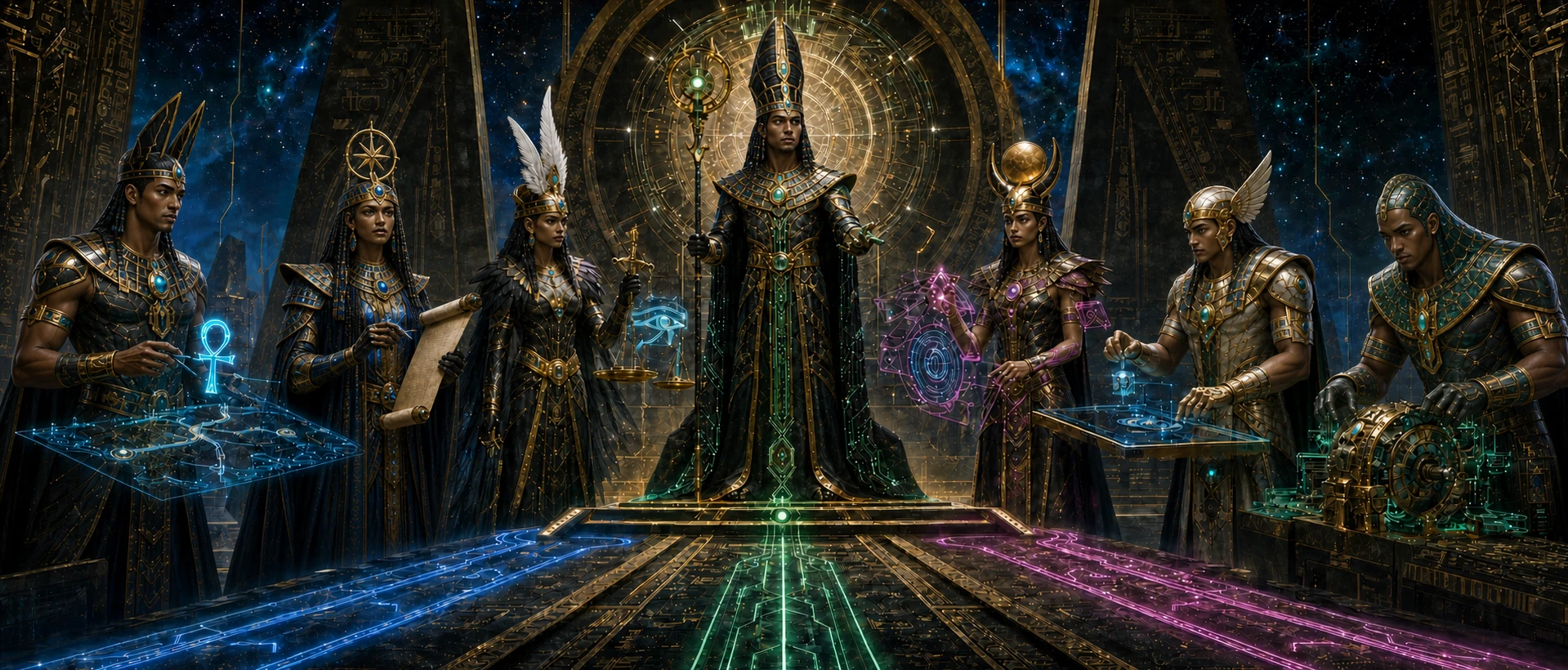
Thoth-Agents
One conversation. The right specialists. A workflow that fits the task.
Adaptive agent orchestration for OpenCode, Codex, Claude Code, and Pi.




Overview · Install · Get started · The team · Workflows · Documentation
[!WARNING] Thoth-Agents is under active development. Core concepts, workflows, and specifications are still evolving, and significant breaking changes may occur before a stable release.
Why thoth-agents
Describe what you want to build or fix. Thoth keeps the conversation together, directs specialists to discover and implement by default, and retains your goals, constraints, decisions, acceptance, and final synthesis in one root thread.
Small changes stay small. Larger changes get a specification, a plan, and verification you can follow—without manually coordinating every agent.
- A team, not six conversations. One adaptive Orchestrator coordinates five specialists and brings their results back to you.
- Proportional process. Small, clear, low-risk work stays artifact-free; substantial work uses one ID-named record and proportionate verification.
- Specialists execute by default. Repository discovery, current documentation, UI/UX, bounded implementation, and independent review have distinct roles.
- Models you can tune. Configure models per role to suit your workflow and the providers available in your harness.
- Continuity between sessions. Published installs include setup of thoth-mem, the independent memory companion for reusable decisions and project knowledge. thoth-mem owns its own memory lifecycle, persistence, and storage; thoth-agents only invokes its setup.
[!NOTE] Pi is the default harness and our recommendation for the best Thoth-Agents experience. All four harnesses share the workflow and role design, but their permissions, delegation, and runtime capabilities are not identical. Your harness's trust and approval rules still apply.
Install
You need Node.js >=22.19, a supported harness already installed, and network
access for setup. Authenticate your model providers in that harness separately.
The commands below install at global/user scope.
| Harness | What you get | Install command |
|---|---|---|
 OpenCode |
Native plugin, agent team, workflow skills, and memory setup. | npx thoth-agents@latest install --agent=opencode |
 Codex |
Native plugin plus the required global agent and instruction setup. Close Codex first. | npx thoth-agents@latest install --agent=codex |
 Claude Code |
Marketplace agents and skills, completed by the CLI's external skills and memory setup. Run the prerequisites below first. | npx thoth-agents@latest install --agent=claude |
 Pi |
Native package, five specialists, delegation, research, theme, sidebar and background-task extensions, workflow skills, and memory setup. Recommended for the best experience. | npx thoth-agents@latest install --agent=pi |
Claude Code prerequisites
Run these two commands before the Claude CLI install command in the table:
claude plugin marketplace add https://github.com/EremesNG/thoth-plugins.git --scope user
claude plugin install thoth-agents@thoth-plugins --scope user
[!TIP] Add
--dry-runto anynpx thoth-agents ... installcommand to preview setup without writing changes. After installation, restart your harness; Claude Code also supports/reload-plugins.
Inside Pi, use /subagents-model to edit model and effort profiles for global
and project subagent definitions. See subagent profile configuration.
Both commands are registered by pi-subagents on pi-core's shared list-editor
shell, with native CSI-u/kitty and legacy navigation keys and wheel support in
regular and fullscreen TUI mode. Use /subagents-tools to edit resolved global/project definitions' tool
lists, including registered active and inactive extension and MCP tools. Thoth
supplies managed-specialist validation and reset defaults through an optional adapter. Globs (including *) are
manual advanced selections over all registered root tools; the panel preserves
them read-only. Edit disallowed_tools manually for injected tools and trimming
globs; only Oracle denies ask_orchestrator by default, while all five roles keep
notify_orchestrator. Child ask_orchestrator({ message }) carries blocking
questions only; notify_orchestrator({ message }) records one-way progress or
checkpoints and returns immediately without a root turn. Both are model-only
direct calls, independently controlled by enable_ask_orchestrator and
enable_notify_orchestrator (default true, global/project cascade) and denials. See
tool selection controls.
Pi setup currently supports the default ~/.pi/agent root. See the
Pi installation guide for runtime requirements,
existing-package conflicts, and recovery. Thoth manages its separate Pi
delegation runtime as package @thoth-agents/pi-subagents through
npm:@thoth-agents/pi-subagents@>=0.3.0, the first release owning
/subagents-tools. Upgrade both packages together and /reload if Pi reports
missing or duplicate command ownership. Existing pi-subagents and
pi-subagents-j0k3r installs need manual recovery through Pi's package manager
before setup. Local checkout development uses pnpm run setup:pi:local, which
points Pi at the fork under pi-packages/pi-subagents; publishing the fork is
not required for that path. Pi extensions run with your user's system
permissions; agent tool allowlists are not an OS sandbox.
Optional Pi provider extensions (manual install)
The installer does not install or manage the Claude/Antigravity bridges or pi-openai-fast. Install only those you want, then restart Pi:
pi install npm:@thoth-agents/pi-claude-bridge
pi install npm:@thoth-agents/pi-antigravity-bridge
pi install npm:@thoth-agents/pi-openai-fast
Authenticate Claude Code or the agy CLI separately. Claude rate-limit events
from root and child sessions share pi-core's process-wide, account-wide registry
(not a bus channel); affected subagent rows/details show active warnings and reset
times without changing task status. Quota is on demand: /claude quota uses an
experimental SDK API without sending a prompt; /agy quota shows Antigravity
usage. Antigravity costs are API-equivalent estimates from an explicit catalog
mapping, not subscription charges. The theme marks the total (sub) by default
for both claude-bridge and antigravity. See
provider commands and caveats.
For scopes, troubleshooting, or local checkout installation, see the installation guide. Local Pi checkout installs keep thoth-mem setup separate.
Get started
1. Check your installation
After setup completes, inspect the installed state:
npx thoth-agents@latest status
If setup reports a missing dependency or a manual action, resolve it before continuing. Package installation alone does not prove provider authentication or a successful live model request.
2. Initialize your project
Open your repository in the harness and invoke the installed thoth-init skill:
| Harness | In your agent conversation |
|---|---|
| OpenCode | /thoth-init |
| Codex | $thoth-init |
| Claude Code | /thoth-agents:thoth-init |
| Pi | Ask: Use the thoth-init skill to initialize this repository. |
This creates only missing minimum .thoth/ governance, including
.thoth/constitution.md, .thoth/specs/, and the change archive. It does not
install plugins or dependencies and preserves existing project-owned governance
and historical records.
3. Give Thoth a task
Start with a goal, not a list of agents to manage. For example:
Fix the broken documentation link with the smallest sufficient workflow.
Add CSV export to the reports page. Understand the existing filters, specify how empty results behave, and clarify any material decision before a test-first implementation. Keep the work proportional.
Plan a migration from our current authentication system. Explore the risks, specify acceptance, and clarify material decisions before implementation. If classification is substantial, keep the plan and acceptance in one `.thoth/changes/<id>/<id>.md` record.
Describe the desired outcome, constraints, and acceptance. The Orchestrator first builds proportional understanding, then classifies by coordination, uncertainty, and risk and selects the fitting specialist.
Meet the team
One coordinator
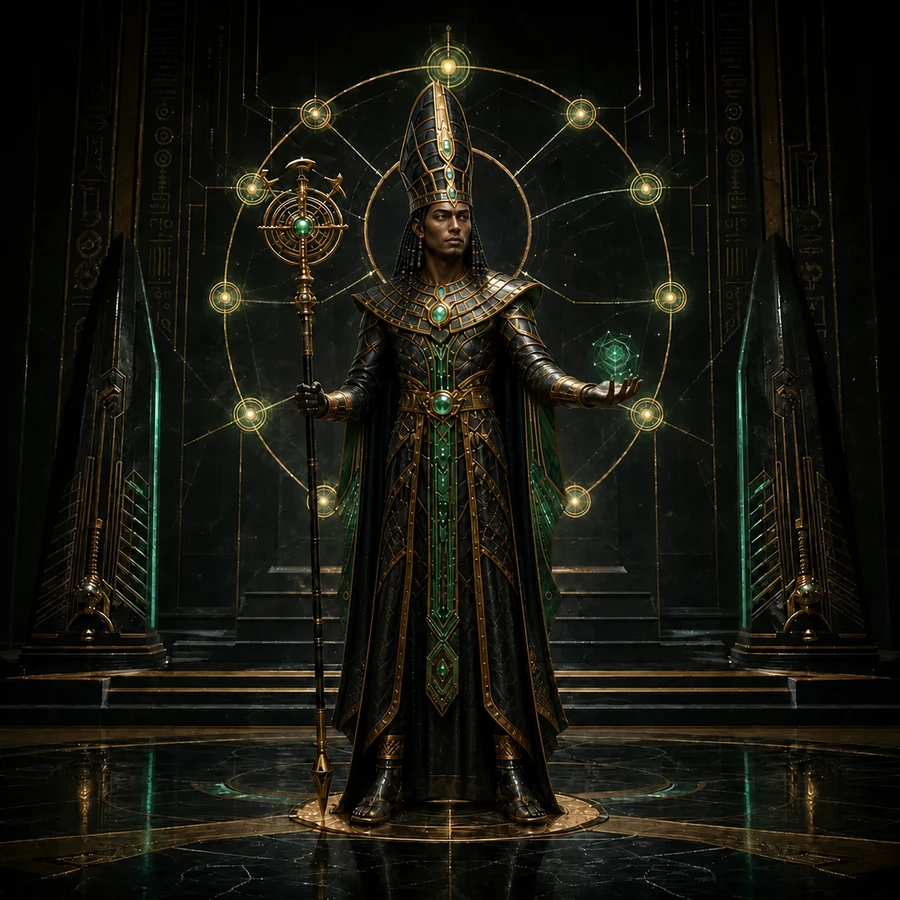 |
Orchestrator · Keeps the work moving Your main point of contact. Retains goals, constraints, decisions and acceptance while directing specialists, with a bounded exception for known-source consultation or minimal low-risk edits. |
Research and review
| Explorer | Librarian | Oracle |
|---|---|---|
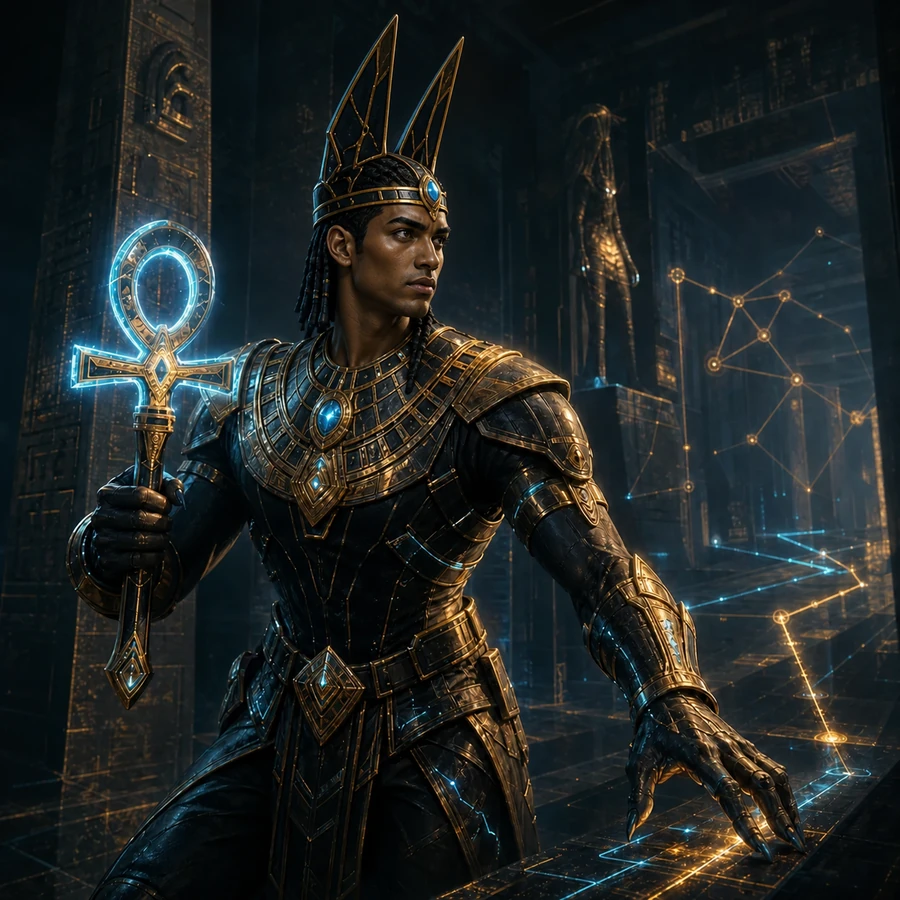 |
 |
 |
| Finds the relevant code. Maps unfamiliar repository behavior before changes begin. | Checks current sources. Looks up authoritative documentation and external evidence. | Challenges the result. Independently reviews plans and verifies changes when the workflow or risk requires it. |
Design and implementation
| Designer | Worker |
|---|---|
 |
 |
| Makes interfaces work well. Owns material UI/UX, accessibility, interaction, and visual quality. | Implements changes. Owns delegated implementation, including coupled behavior, edge cases, migrations, and correctness-critical work. |
Research and review specialists are read-only. Implementation work has one writer per area; independent areas can proceed in parallel when the harness supports it. You do not need to summon every role for every task.
Proportional SDD
Every change completes explore, specify, and clarify in order, proportionally to its uncertainty and impact. These steps do not force a document, specialist, or interview. The Orchestrator resolves repository facts through evidence and asks only when a material human-owned decision cannot safely be inferred; unresolved material uncertainty blocks classification.
Only after understanding does it classify by meaningful coordination and
contract impact, uncertainty, and risk. File count alone does not increase scope:
a clear, low-risk localized mechanical change may touch several files and remain
small. Small work uses test-first implementation and focused verification with
no record. Substantial or materially risky work plans in one
.thoth/changes/<id>/<id>.md record after classification; risk may warrant
planning even for a patch-sized change. No alias, duplicate record, report,
evidence directory, or process tooling is created.
For substantial work, optional fresh Oracle plan review runs only when selected.
After a selected [OKAY], root separately asks Implement (Recommended) or Stop;
review alone never authorizes implementation or replaces final verification.
Substantial and materially risky work receives a fresh read-only Oracle
verification. Declared durable changes sync transactionally to
.thoth/specs/ after PASS. Active governance lives at .thoth/constitution.md;
historical records remain preserved, and provider memory stays separate. Native
harness execution and liveness remain authoritative. See the SDD guide
and Skills and MCPs for limits.
Configure and update
Tune the team
Use the interactive CLI to inspect setup and configure role models:
npx thoth-agents@latest
Choose models your harness and provider account can access. OpenCode ships the OpenAI preset; per-role overrides let you customize it. Other harnesses use their own model configuration and capability rules.
See Provider Configuration and Codex Model Customization.
Keep the complete installation current
Preview an update, then apply it explicitly:
npx thoth-agents@latest update --harness=opencode
npx thoth-agents@latest update --harness=opencode --apply
Replace opencode with codex, claude, or pi for your harness. Close Codex
before applying its update, and restart the selected harness afterward.
An applied update refreshes the complete CLI-managed setup, including required
skills and provider setup—not just the plugin. Native marketplace updates alone
do not prove those other pieces are current. Use status to inspect the last
complete CLI-managed installation and follow any reported recovery actions.
For Pi, the first-party thoth-agents package remains exact and receipt-verified.
The nine selected extensions use stable minimum-only >= ranges, so
Pi's native package manager can update them independently without waiting for a
Thoth release. Install and applied Update now include
@thoth-agents/pi-thoth-theme, @thoth-agents/pi-background-tasks and
@thoth-agents/pi-sidebar at >=0.3.0.
Existing copies of these three packages from any source are preserved and verified
without reinstalling when compatible; older copies are left untouched and block
completion with manual upgrade guidance. Ambiguous sources fail closed. Status
validates each installed manifest's package name and SemVer floor; newer stable
versions are healthy, while prerelease, malformed,
missing, or older versions are not. Re-running Install or applying Update
migrates legacy exact sources for the other selected extensions through Pi while
preserving package resource filters and unrelated settings.
Subagents (v2) and background tasks (v1) publish summary-only snapshots through
pi-core's task channels.
The status line uses thoth:subagents:usage, not the removed raw
thoth:subagent-usage bus event. Upgrade pi-subagents and pi-thoth-theme to
>=0.3.0 together and /reload to retain subagent cost display; the usage
checkpoint discriminator is unchanged.
The shared Pi Work panel uses pi-core's v2 data-only provider contract and
discovery/action API.
Upgrade pi-subagents, pi-background-tasks and pi-todo together to >=0.3.0, then
/reload; first-owner arbitration hides incompatible sections in mixed v1/v2
installs. Subagent state is v2; background state, usage, requests and Render KIT remain v1.
The Pi sidebar adds read-only Session,
Workspace, Cost and discovered Todos/Subagents/Background panels in fullscreen and
regular mode. /sidebar toggles, /sidebar panels lists ids for show/hide/order
commands, and /sidebar resize resizes. /sidebar settings edits panel order,
visibility, startup and default width; /sidebar cost opens task-cost curves
against elapsed time per task, labeled by display name or a short task-summary name.
Themed Agents/Background headers show static status-icon counts, omitting zero
counts (Todos keeps completed/total), and detail commands; Workspace shows a
~-abbreviated path and tracked file/line changes versus HEAD. Agent metrics
include all available metrics with semantic icons (ASCII labels) in shared
aligned columns that wrap without dropping metrics, stably across digit changes. Only displayed source panels absorb their
Work sections; hiding the sidebar restores them. Panel order/visibility and
startup policy/default width live in ~/.pi/agent/thoth-sidebar.json. Subagent
state v2 adds up to 100 cost-ranked persisted session summaries in history. Private Pi layout seams
have guarded fallback; regular mode covers the live viewport, not historical
scrollback. Update related extensions together to avoid mixed old UI owners.
Pi's question UI replaces the editor without covering chat. Ctrl+] collapses it
to a one-line dock and returns input to the editor; during an active run, Enter
queues a steering message without answering the question. Ctrl+] re-expands
with answers and drafts preserved, and the open tool-call card shows collapsed
state. While open, Ctrl+] shadows editor jumpForward; collapsed Esc belongs
to the editor or focused overlay. History/detail overlays close back to the
expanded question or otherwise the editor; collapse and teardown preserve
visible foreign-overlay focus. See question controls.
Documentation
User guides
| Guide | Use it to… |
|---|---|
| Installation | Check prerequisites, preview setup, troubleshoot, and repair an installation. |
| Quick Reference | Find commands, roles, skills, and workflow reminders. |
| SDD pipeline | Understand routes, planning, review, verification, and archiving. |
| Skills and MCPs | See the included workflows, research tools, and memory boundaries. |
| Provider Configuration | Configure models and providers. |
| Codex Install | Follow Codex-specific setup, activation, and trust requirements. |
| Codex Model Customization | Adjust Codex specialist models. |
| Claude Code Install | Follow marketplace setup and activation. |
| Pi Setup | Check Pi dependencies, permissions, and recovery steps. |
| Tmux Integration | Configure OpenCode's optional terminal-pane integration. |
Technical guides
Working on thoth-agents itself? Start here rather than in the user setup above.
| Guide | What it covers |
|---|---|
| Development | Local build, verification, and harness development setup. |
| Architecture | Repository structure and component responsibilities. |
| Codex Plugin Packaging | Plugin contents, the global layer, and local synchronization. |
| Claude Code Plugin Packaging | Native discovery, packaging, and ownership boundaries. |
| Codex Surface Validation | Harness-specific validation evidence and limitations. |
| Agent Context Index | Task-specific engineering and testing guidance. |