speak-like-you-eat1.4.0
A Pi and Oh My Pi extension for plain-language companion rewrites.
Built for omp
The author tagged this package oh-my-pi.
Reports 0
No reports yet.
Readme
SLYE - Speak like you eat
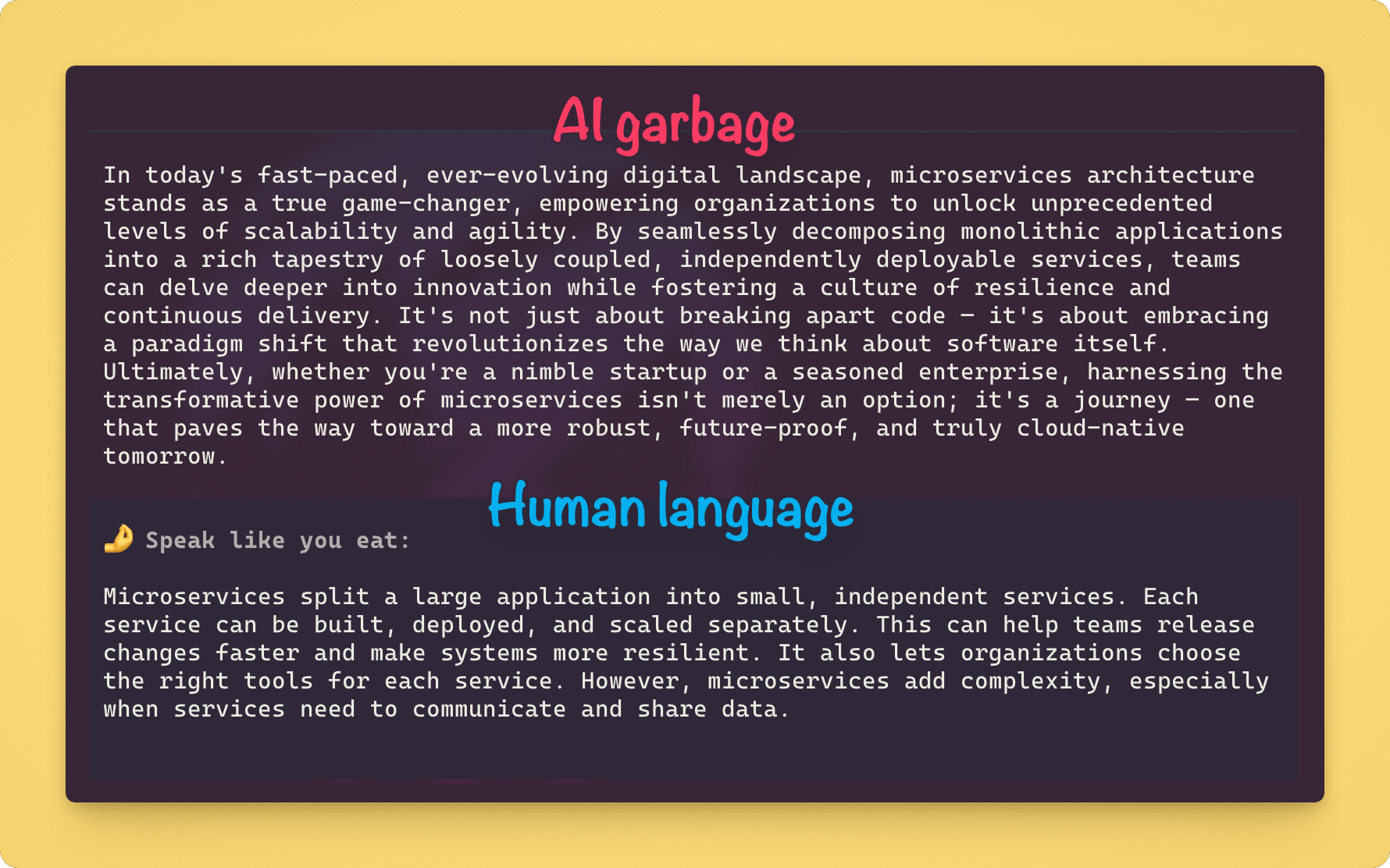
Translate AI garbage to human language
SLYE is a Pi and Oh My Pi (OMP) package that adds a plain-language rewrite after a completed response.
In Italian, “speak like you eat” (parla come mangi) means being straightforward instead of using big, clever, empty words. SLYE applies that idea to AI output.
Deliberately inspired by Claudish to English
Install
Pi
# Available to all projects
pi install npm:speak-like-you-eat

# Available only in the current project
pi install -l npm:speak-like-you-eat
Oh My Pi
omp plugin install speak-like-you-eat
Use
- After Pi or OMP finishes an answer, run
/slyefor an eligible target. It rewrites the latest completed assistant response once and adds a plain-language rewrite card below the unchanged original; if you have typed a follow-up since, there is no target. - If no usable model exists,
/slyeopens the model and scope picker, saves the chosen model with automatic rewriting off, globally or, in a trusted project, locally, and immediately performs the rewrite. - If you want eligible answers rewritten automatically, run
/slye on. Run/slye offto stop automatic rewriting while keeping/slyeavailable.
| Command | What it does |
|---|---|
/slye |
Rewrite the latest completed assistant response on demand. |
/slye model |
Choose a model without changing a valid automatic on/off state; first-time setup saves automatic rewriting off. Tab switches between scoped and all authenticated eligible models when the host provides scoped models. |
/slye on |
Enable automatic rewriting, or choose a model and enable it when no usable model is saved. |
/slye off |
Disable automatic rewriting; manual /slye remains available. |
SLYE automatically uses the selected model's lowest supported thinking level. Automatic rewriting requires a normally completed final response with at least 200 non-whitespace prose characters outside fenced code. Manual /slye uses the same normal-completion, prose, and no-tool-call requirements, but has no 200-character minimum.
Custom system prompt
To replace the built-in prompt with your own slye-prompt.md, follow Customize the SLYE system prompt.
Recommended models
I ran a small, human-scored benchmark (me) to see how different cheap AI models would handle the "translation" part.
But long story short, use cheap-ish, fast models with low/no reasoning (SLYE already sets reasoning for you).
Models that I recommend:
- Terra - best overall in this benchmark but not the fastest
- DeepSeek V4 Flash - fast, good accuracy
- GPT-OSS 120B - cheapest of the three with good overall results, but more sensitive to prompt wording in this small benchmark
What SLYE guarantees
- The original response stays visible and unchanged. The display-only card never enters LLM context.
- SLYE's built-in prompt tells the model to preserve the target response's language and intentional language mix rather than translate it. A custom prompt replaces those instructions.
- Each target has at most one persistent companion card. A secondary provider request has its own cost and latency and happens only for an automatically eligible response or an eligible, not-yet-completed manual target.
- Escape cancels a rewrite. Cancellation, timeout, and provider failures leave the original unchanged and permit a manual retry. Storage failures have host-specific retry limitations.
- SLYE sends an isolated payload directly to the selected provider. Apart from its explicit configuration and optional
slye-prompt.md, it does not load project files, project instructions, skills, prompt templates, tools, or the full session history. Other extensions and provider-side processing are outside SLYE's control.
Evidence
Read the MVP specification for the complete behavior and the benchmark results for methodology, costs, and limitations.
Development
Requires Node 24+ and either Pi or OMP.
npm ci
npm run check
npm pack --dry-run --json
pi -e .
omp -e ./src/omp.ts
The final two commands load the clone for local testing in Pi and OMP. Do not submit a prompt when you only need to check that the extension loads.