pi-orca-images0.2.3
Inline images for Pi inside Orca's terminal, plus [Image N] paste labels.
Untested on omp
This is a pi package. No one has reported whether it works on omp yet. If you try it, add your result below.
Reports 0
No reports yet.
Readme
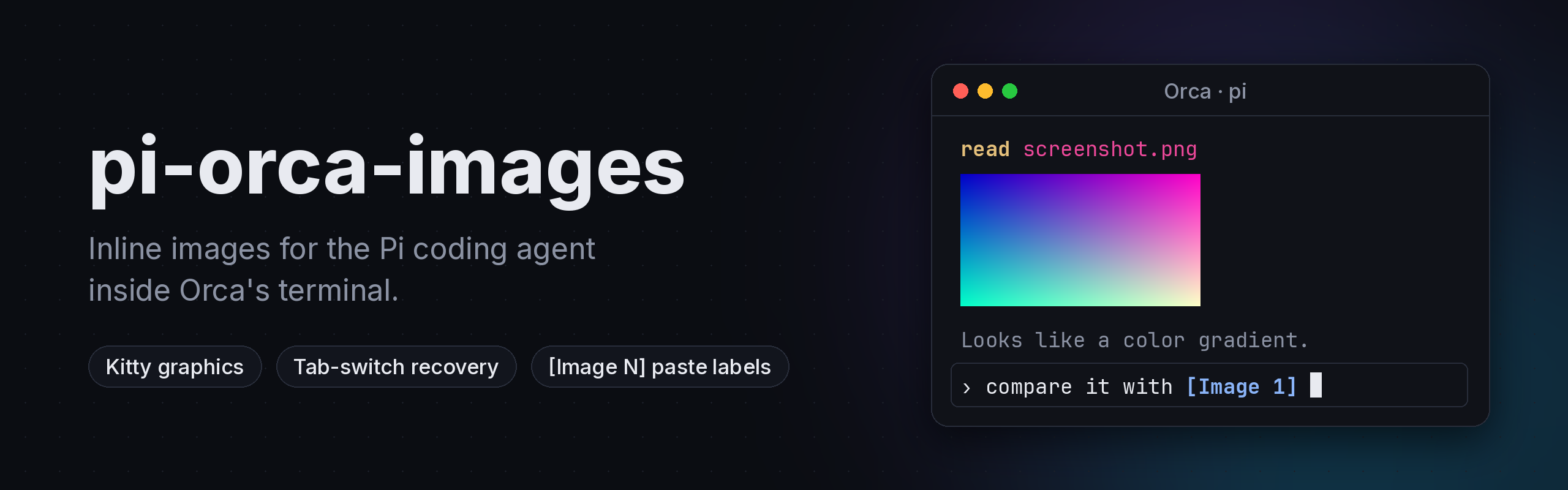


Inline images for the Pi coding agent inside Orca's terminal.
Pi draws images natively (screenshots it reads, image tool results, previews), but inside Orca you get a blank gap or Read image file [image/png] and nothing else. This package fixes that with no configuration, and adds OpenCode-style [Image 1] labels for pasted images.
pi install npm:pi-orca-images
Restart Pi in an Orca terminal and run /orca-images test. You should see a color gradient.
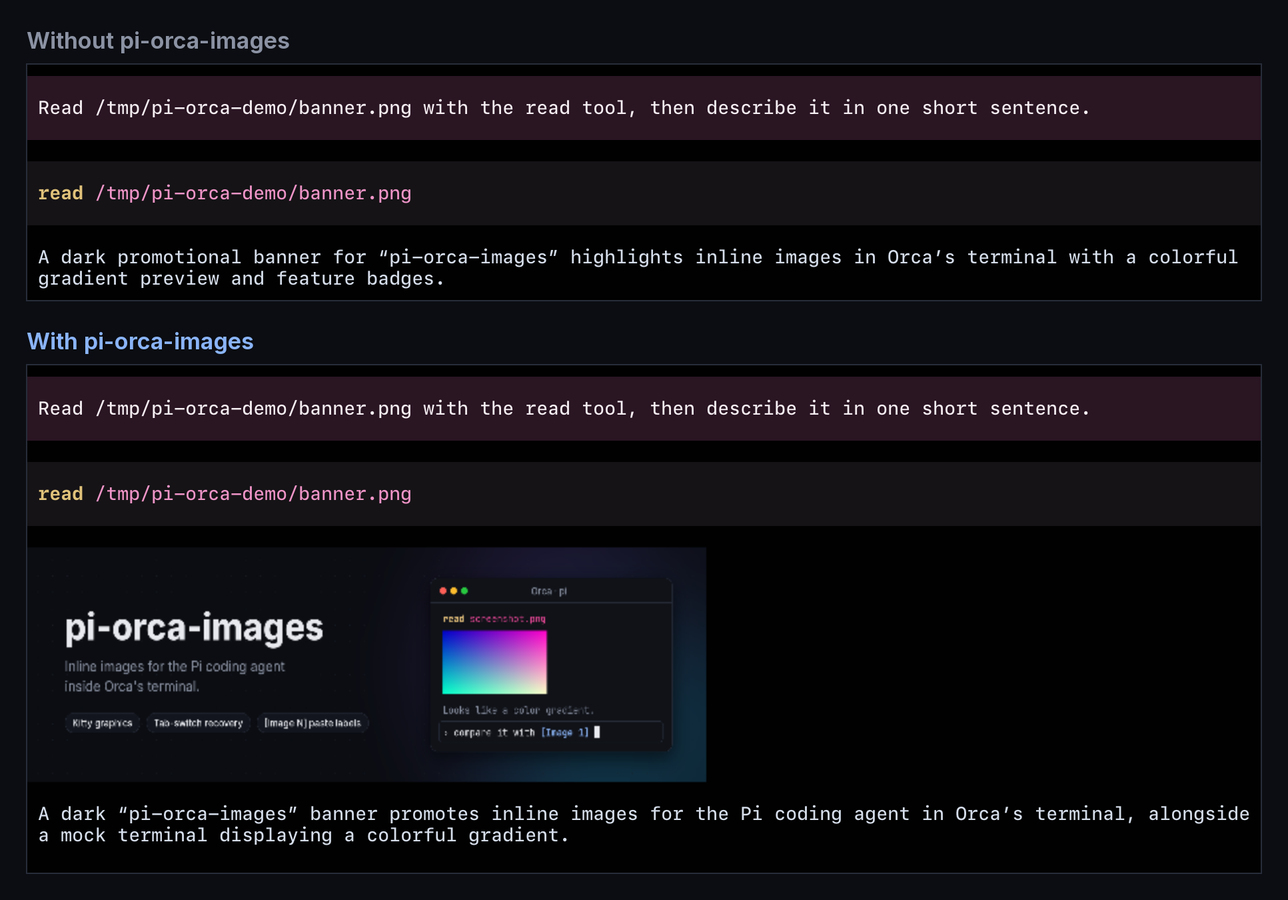
What it fixes
Orca renders inline images through xterm.js's image addon. Three things keep Pi's images from showing up there:
| Problem | Cause | What this package does |
|---|---|---|
| No images at all | Pi does not recognize TERM_PROGRAM=Orca and ignores the ORCA_IMAGE_PROTOCOL=kitty hint that Orca exports |
Sets PI_IMAGE_PROTOCOL from ORCA_IMAGE_PROTOCOL at startup |
| Only the first row of an image is drawn | The addon stores Kitty images per cell, so Pi's later line writes erase the rest | Turns on Pi's "draw images last" render path (the one Pi already uses for WezTerm), only while Pi renders; the variable never reaches commands Pi runs |
| Images vanish after switching tabs | When output arrives while a pane is hidden, Orca rebuilds the pane from a snapshot that has no images (stablyai/orca#32714) | On focus-in, re-sends every visible image a few times over the next 5 seconds, until Orca's restore has finished |
Pasted image labels
![Typing a prompt in Pi, pasting two image paths that turn into [Image 1] and [Image 2] labels, deleting one label with a single backspace, and the sent message containing the real paths](https://raw.githubusercontent.com/JlMoreno00/pi-orca-images/main/docs/image-labels.gif)
Paste an image (or drop an image file) into Pi's prompt and the path is shown as a bold, colored [Image 1] label, as in OpenCode. Labels are numbered per message, move and delete as one unit, and become the real path again when you send the message, so the model sees exactly what it saw before.
It recognizes pastes made only of existing image files (png, jpg, gif, webp, bmp, tiff, heic, avif): plain paths, ~/ paths, quoted or backslash-escaped paths, and file:// URLs. Text that mixes a path with other words is left alone. This works in every terminal, not only Orca, including Pi's own clipboard paste. Set PI_IMAGE_LABELS=0 to turn it off.
Commands
| Command | Effect |
|---|---|
/orca-images or /orca-images status |
Shows the detection decision, Pi's active image protocol, and whether the repaint fix and image labels are on |
/orca-images test |
Draws a test gradient (it is not sent to the model) |
/orca-images redraw |
Re-sends every visible image right now |
Configuration
It does nothing outside Orca. Your explicit choices always win:
| Setting | Effect |
|---|---|
PI_ORCA_IMAGES=0 |
Disables the Orca image fixes |
PI_IMAGE_LABELS=0 |
Disables pasted image labels |
PI_IMAGE_PROTOCOL=… |
Used as is; the package does not override it |
terminal.images in Pi settings |
Applied by Pi on top of the package's choice |
terminal.showImages: false |
Pi still hides images |
Requirements and limits
- Orca with inline images (v1.4.229 or later exports
ORCA_IMAGE_PROTOCOL) and Settings → Terminal → Inline Images on (the default). - Pi 1.4 in its default
fullscreenTUI mode. Inregularmode detection still works, but the repaint fix and tab recovery do not apply. - Not inside tmux or screen: image escapes do not reach Orca through them.
- Image labels wrap internal methods of Pi's editor (
handlePaste,segment,expandPasteMarkers,render). If a Pi release changes them, pasted paths simply stay as paths. - The repaint fix wraps two internal methods of Pi's TUI. If a Pi release renames them,
/orca-images statusreports the fix asunavailableand images fall back to the first-row behavior; detection keeps working.
Development
npm install
npm run check          # typecheck + tests
pi -e ./src/index.ts   # try it without installing
python3 scripts/banner.py  # regenerate docs/banner.png (Pillow, Inter, JetBrains Mono)
The screenshots in docs/ are real captures of Pi 1.4 in Orca 1.4.229 on macOS.
License
MIT