pi-hunk1.1.0
Review changes and commits in full-screen Hunk from Pi and OMP
Untested on omp
This is a pi package. No one has reported whether it works on omp yet. If you try it, add your result below.
Reports 0
No reports yet.
Readme
pi-hunk
Full-screen code review, right inside your agent’s terminal.
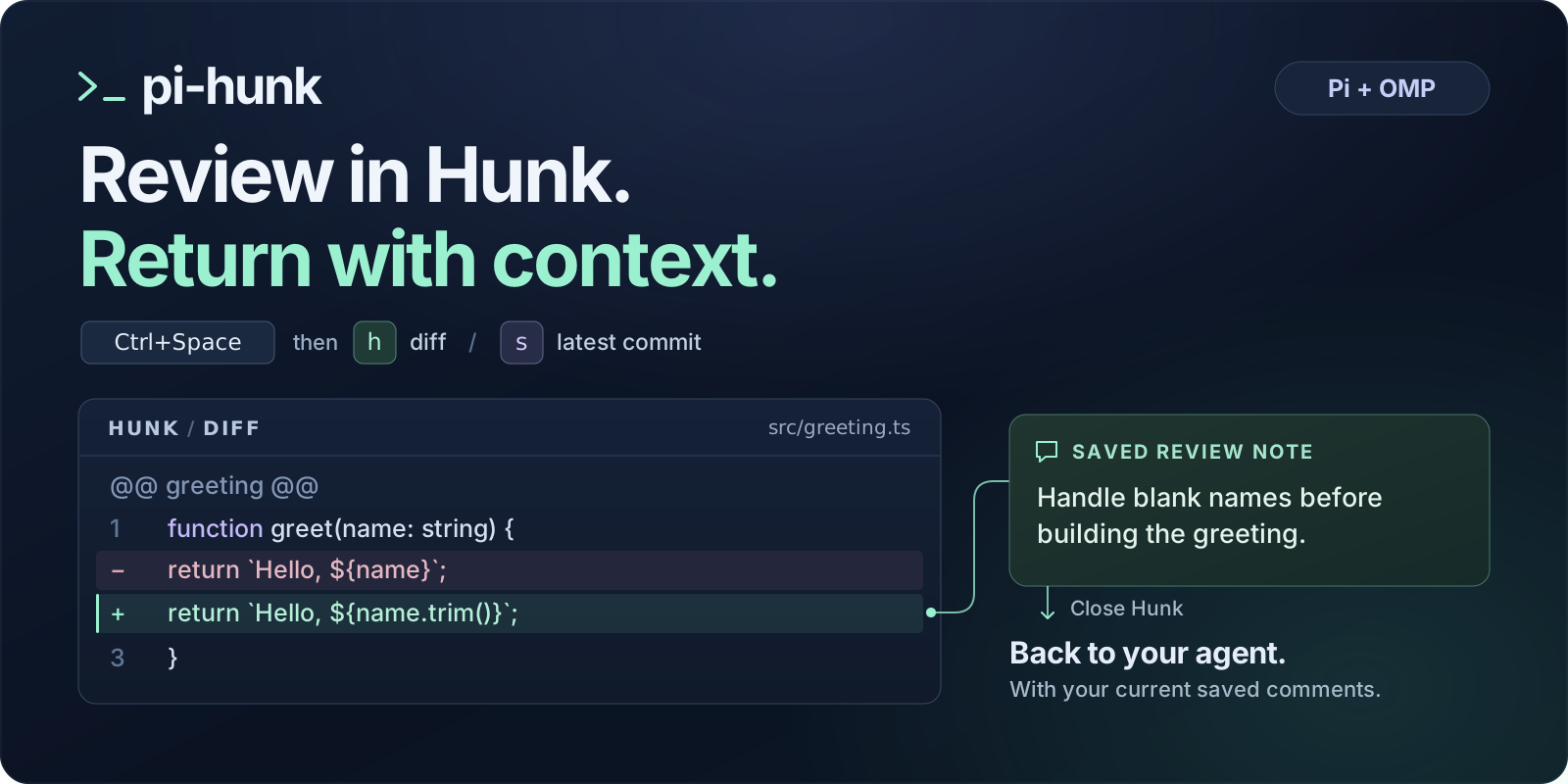
Open Hunk from Pi or Oh My Pi, review the changes, and leave comments. Close Hunk and your feedback goes back to the agent—with file, line, and view context. No copy/paste.
Why pi-hunk?
- Real Hunk. The full-screen native TUI, not a webview or another diff renderer.
- Changes, commits, and history. Switch between working-tree changes and the latest commit, or
browse native
hunk logand open selected commits for review. - Comments that stay together. Saved notes survive view switches and returning to history; edits replace old text, and deleted notes stay deleted.
- Your agent’s workflow. Steer an active turn, queue a follow-up, or interrupt it. The same controls work in Pi and OMP.
- A small integration. Effect is bundled; the SDKs come from the hosts. No separately installed runtime npm dependencies.
Install
You need Node.js 22.19+, Pi or OMP, and Hunk 0.22.0+ available as hunk on your PATH.
Install Hunk separately; pi-hunk does not download or manage it. If hunk is
missing, older than 0.22.0, or cannot be run, the host shows a warning and does not take over the
terminal. pi-hunk never installs or upgrades Hunk for you.
Build this checkout
These instructions install the current source implementation, rather than the previous npm release.
git clone https://github.com/igshehata/pi-hunk.git
cd pi-hunk
npm ci
npm ci also builds the extension through its prepare hook.
Replacing an existing pi-hunk installation?
Remove the previous package source before linking this checkout:
- OMP:
omp plugin uninstall pi-hunk --force - Pi, if installed from npm:
pi remove npm:pi-hunk
This removes the host’s package registration, not your checkout.
Link your host
Run the command for your host from the pi-hunk checkout:
OMP
omp plugin link "$PWD"
Pi
pi install "$PWD"
Restart your host, then open it in the repository you want to review. In OMP, /reload does not
remount this extension; use a full restart.
Use it
Press the prefix, release it, then press the view key:
| Keys | Opens |
|---|---|
| Ctrl + Space, then h | Working-tree changes: hunk diff |
| Ctrl + Space, then s | Latest commit: hunk show |
| Ctrl + Space, then l | Native history: hunk log |
- Open a view from your agent’s terminal.
- Review and save comments using Hunk’s normal controls.
- Switch diff/show views with the same keys while on Hunk’s main review screen. Your saved comments stay together.
- Close Hunk to return to the agent and hand off your feedback. In a standalone review, this is normally q; in a log review, return to history first, then quit history.
The prefix has no timeout. Escape cancels it; an unrelated next key passes through normally. Selecting the current diff/show view does nothing. Hunk controls native input routing: note-editor text is not interpreted as a view chord. Help and open menus do not necessarily disable view shortcuts.
History and Back
Launch hunk log with the log chord from the agent’s terminal. History keeps Hunk’s native
controls: select commits or a range, then press Enter to review them. On the selected
review’s main screen, the log chord acts like native q: it returns to the retained
history screen without closing Hunk or handing off comments. Quit history to submit the saved
comments from all selections together. History comments include Hunk’s original changeset title and
source label, alongside their file and line context. For Git history, the recorded range identifies
the reviewed versions even if the code or file was later removed. The agent is instructed to inspect
that historical diff: old/new line ranges belong to its before/after versions, not today's files.
The prefix is not active on the history screen. Diff/show switching is intentionally unavailable inside history-selected reviews; those chords show a notice and leave the selection unchanged. The log chord does not switch a standalone diff/show review to history—close that review and launch log from the agent.
Only saved comments are sent. Unsaved drafts are not submitted, deleted notes are omitted, and closing an empty review sends no message. Each new review starts fresh.
Configure
No configuration is required. Run /hunk config in Pi or OMP to open the host’s native
interactive menu for the prefix, diff key, show key, log key, and feedback delivery. Save
persists your changes and applies them immediately—no restart needed. Cancel or
Escape from the main menu discards the draft; Escape from a field returns to
the menu without changing that field. Finish any active review before opening the menu.
Settings are global to your active host/profile and independent between Pi and OMP. The default files are:
- OMP:
~/.omp/agent/pi-hunk.json - Pi:
~/.pi/agent/pi-hunk.json
Native agent-directory overrides and profiles are honored. These files belong to pi-hunk; your
host’s config.yml or settings.json is left untouched. You can also edit the file directly:
{
  "prefix": "ctrl+space",
  "diff": "h",
  "show": "s",
  "log": "l",
  "delivery": "steer"
}
Every field is optional; omitted fields keep the defaults above. For example, "prefix": "alt+z",
"diff": "d", "show": "v", and "log": "g" give you another set of bindings. All three view keys
must differ, and escape is reserved for canceling the prefix. Invalid configuration is reported,
not silently repaired.
If an existing configuration uses l for diff or show, set log to a different key when upgrading;
the new default log trigger must not collide with either existing trigger.
Direct file edits take effect on the next host/session start. To apply them now, open /hunk config
and Save. Changes made through the command take effect immediately. Installing a new extension build
still requires a full host restart—OMP’s /reload is not enough. If your OS or terminal intercepts
Ctrl + Space, free that binding or choose another prefix.
When the agent is busy
delivery |
What happens when you close Hunk |
|---|---|
"steer" — default |
Queue feedback to steer the current turn at the host’s next steering opportunity. |
"followUp" |
Wait for the current turn to finish, then send the feedback. |
"interrupt" |
Abort the current turn, wait until the agent is idle, then send the feedback. |
When the agent is already idle, all three modes send feedback as a new user message and start a turn.
Recovering feedback
Nonempty reviews retain a local temporary journal, including after handoff: calling the host’s send API is not a delivery receipt. If capture or handoff fails, pi-hunk reports the journal path for recovery rather than silently discarding your work. Journals contain comment text and file paths; treat them as local review data.
Development
After changing runtime source, run npm run build and restart your host. To run formatting, lint,
type, regression, and packed-install checks:
npm run check
The extension is for interactive TUI sessions, targeting macOS and Linux. Native smoke coverage: macOS, with Pi 0.84.4, OMP 18.1.10, and Hunk 0.22.0. Linux native smoke verification has not yet been performed.
License
MIT. Hunk, Pi, and OMP are separate projects with their own licenses.