pi-checkpoints0.1.1
Rewind your files along with the conversation: Pi's /tree and /fork also restore the files Pi edited
Untested on omp
This is a pi package. No one has reported whether it works on omp yet. If you try it, add your result below.
Reports 0
No reports yet.
Readme
pi-checkpoints
Lets you rewind the files Pi edited along with the conversation. Pi's /tree and /fork already take you back to any earlier message, but your files stay as they are. With this installed, they offer to put the files back too.
pi install npm:pi-checkpoints
Usage
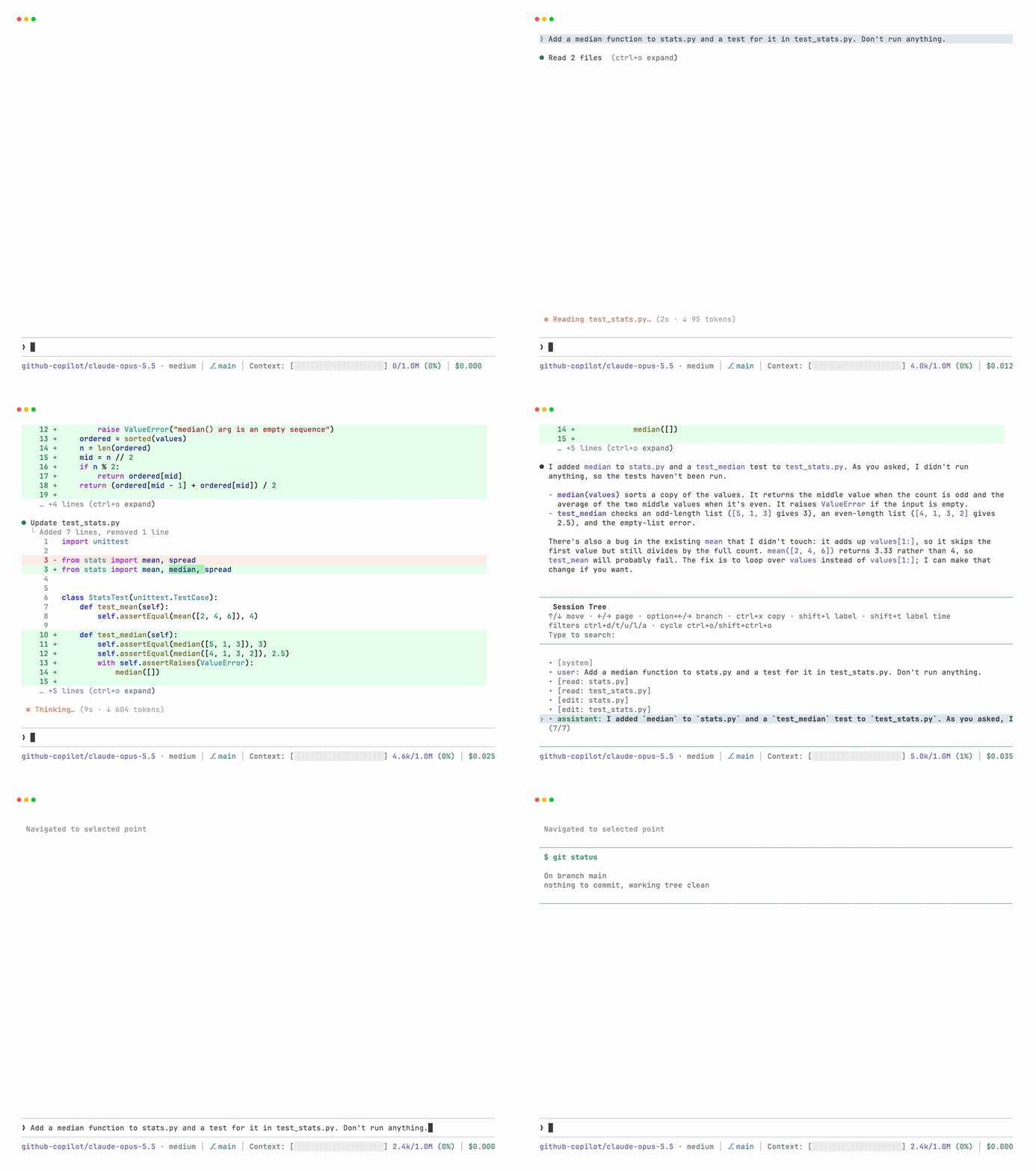
/treeand pick an earlier message: Pi asks whether to restore the files it changed since then. Pick a later message again, even on a branch you left, and they come back, so this works as both undo and redo./forkfrom an earlier message does the same before it starts the new session.
The prompt lists the files it will restore, so you can say no and keep what you have.
How it works
Before Pi first edits or writes a file in a run, the file's content is saved, and again once the run is done. Each saved version is kept once under ~/.pi/agent/checkpoints, and the session keeps track of which files each run changed. Undoing a new file also removes the folders Pi made for it, as long as they're empty.
Only changes made with Pi's edit and write tools are tracked; changes made by shell commands aren't.
If you changed one of these files yourself after Pi edited it, by hand or with a shell command, the dialog marks it, because restoring would discard your change:
Restore 2 files?
Put these back to how they were at this point:
  stats.py  (changed since Pi's last edit; restoring discards those changes)
  test_stats.py
Choose No to keep your files as they are. The conversation still moves to the point you picked.
License
MIT