omp-sidelight0.1.1
Long answers from your coding agent, made readable. A full-screen reader for omp where you can ask about any passage on the side, without derailing the conversation.
Built for omp
The author tagged this package omp-plugin.
Reports 0
No reports yet.
Readme
Sidelight
Long answers from your coding agent, made readable.


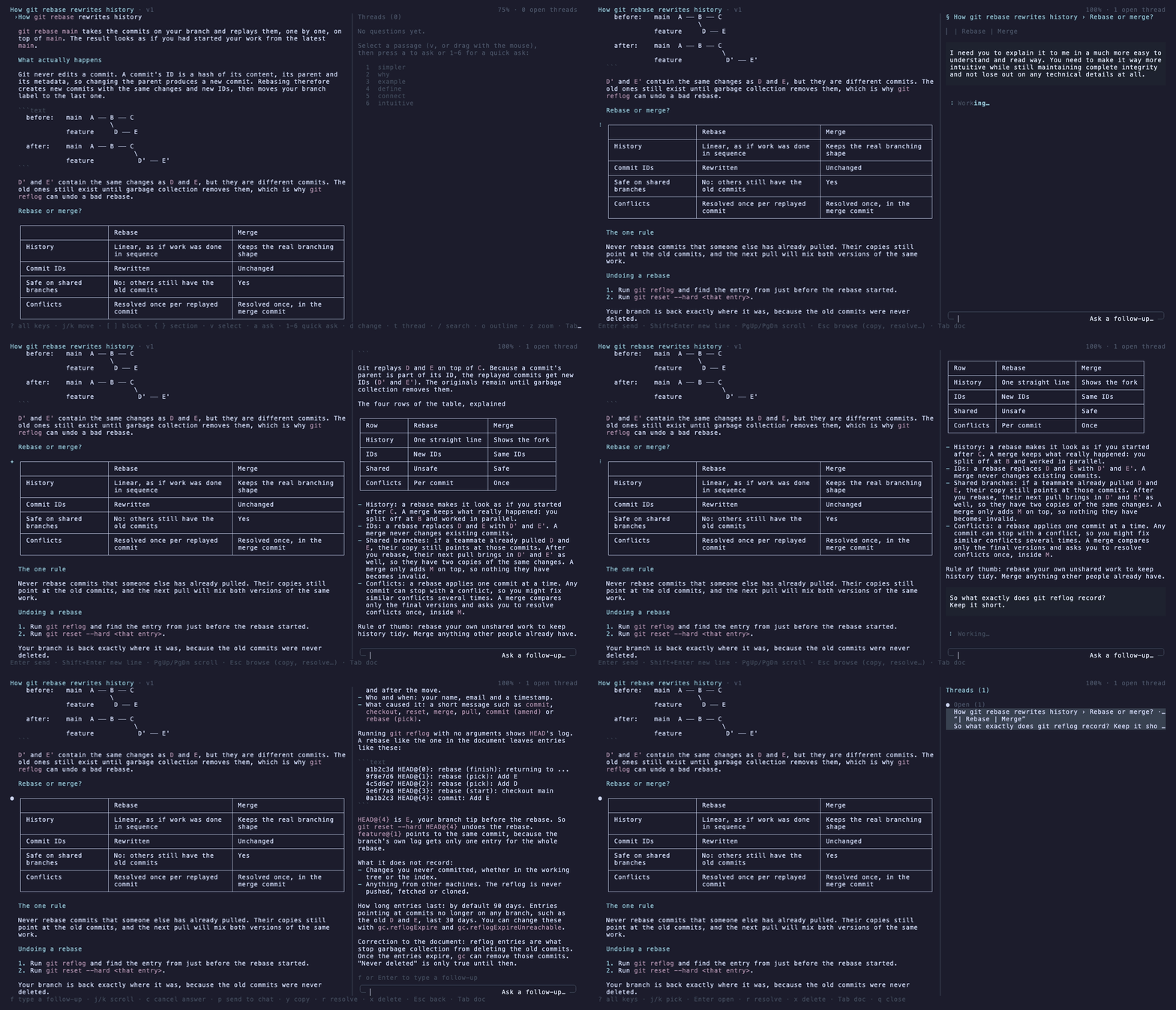
When your agent explains something big, you get a wall of text in a scrolling chat. It's hard to read, harder to understand, and asking about one paragraph means a new turn that drags the whole conversation off course.
Sidelight gives long answers a proper page, and lets you question any line of it on the side. It's a plugin for omp.
- Read it like a document, not a chat log. Full screen, with rendered tables and diagrams, an outline and search.
- Ask about exactly the part you don't get. Select a sentence and press a key. The answer arrives in a side thread that knows your whole conversation.
- Your conversation stays clean. Side questions never enter the agent's context, so the main session stays on topic.
- Revisions show what changed. The agent edits the page in place, and the changed blocks are marked, so you never reread everything.
Install
You need omp 18.11 or newer.
omp plugin install omp-sidelight
Restart omp, and you're set. You can also install straight from GitHub (omp plugin install github:Mannan-Goyal/omp-sidelight) or from inside omp:
/marketplace add Mannan-Goyal/omp-sidelight
/marketplace install sidelight@omp-sidelight
To uninstall: omp plugin uninstall omp-sidelight.
First run
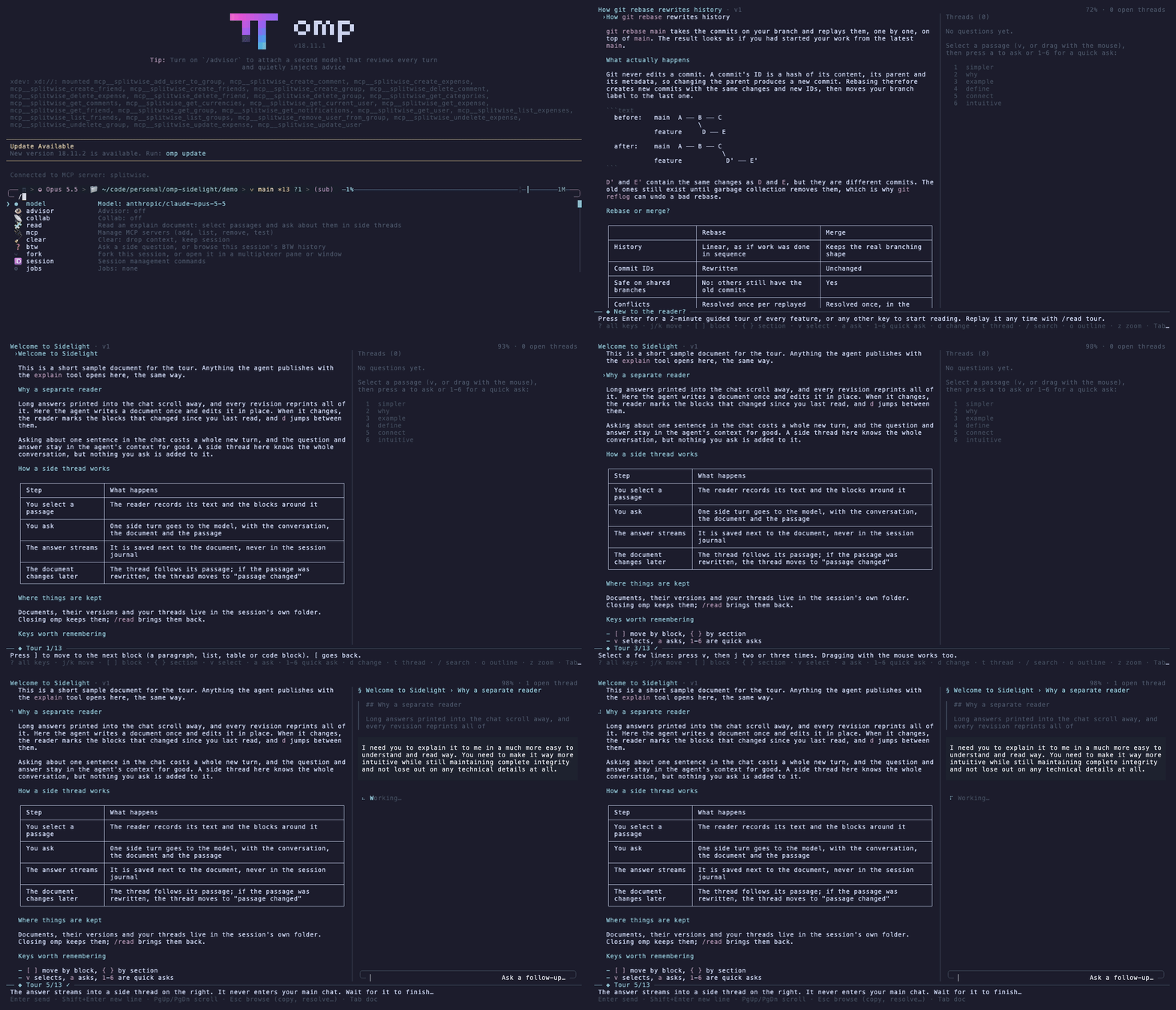
The first time you open the reader, it offers a two-minute guided tour. The tour opens a sample document and walks you through every feature, moving on only after you've actually tried each step. Replay it any time with /read tour, or press ? in the reader for every key.
Using it
- Ask for an explanation as usual. When the reply would be long, the agent calls the plugin's
explaintool. It writes a document, and the chat shows a short summary with a📖line. - Open it with
/readorctrl+n. With several documents, you pick one from a list. - Read, select, ask. Answers stream into the side pane on the right.
/read also opens:
| Command | Opens |
|---|---|
/read |
the agent's documents, newest first, then saved replies, then files you opened before |
/read last |
the agent's latest chat reply, as a document |
/read notes.md |
any markdown file |
/read tour |
the guided tour |
The agent decides when to write a document; you can also ask for one ("write this up as an explain document").
Controls
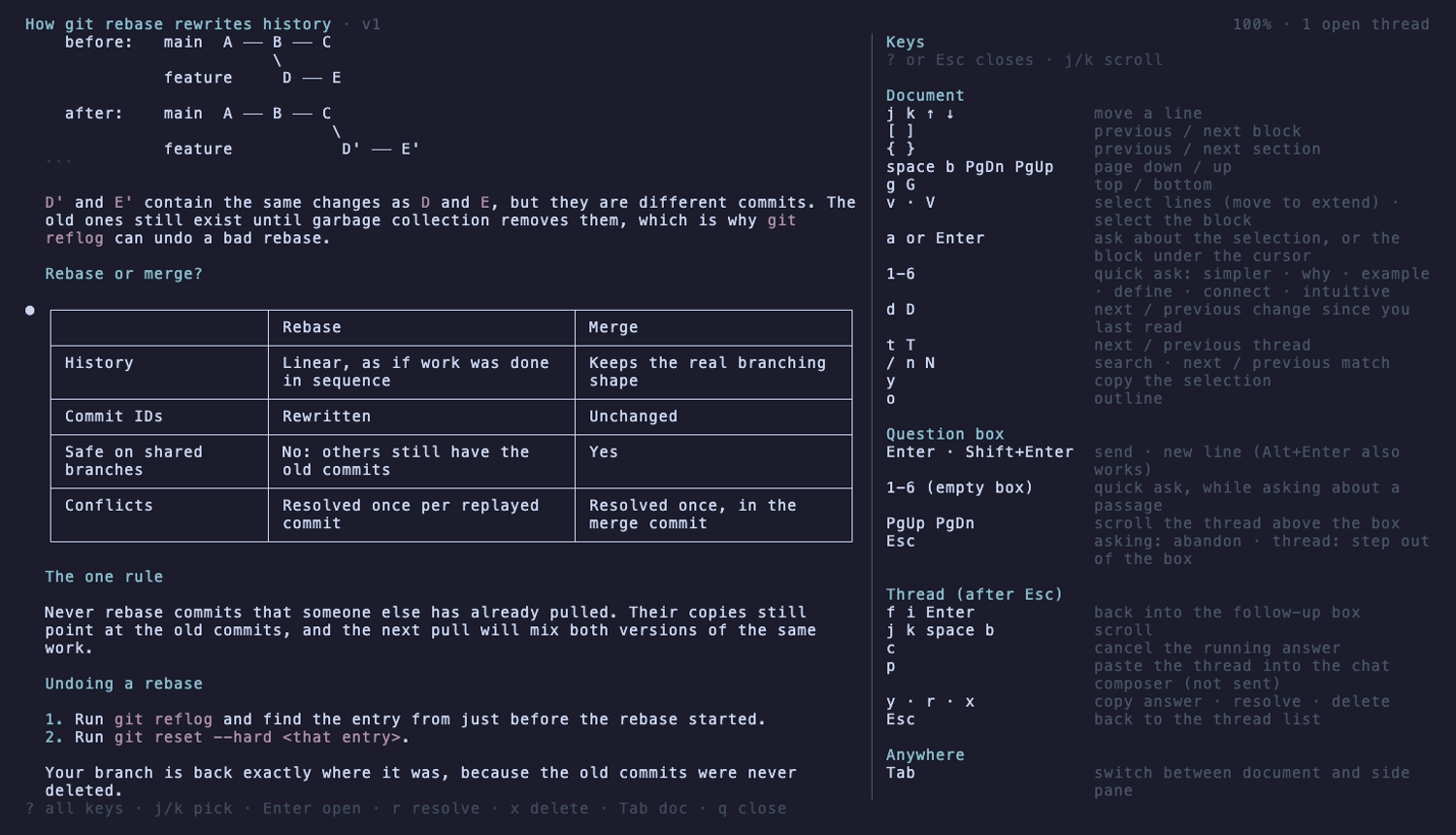
Press ? in the reader to see these at any time.
Document
| Key | Action |
|---|---|
j k ↑ ↓ |
move a line |
[ ] |
previous / next block (paragraph, list, table, code) |
{ } |
previous / next section |
space b PgDn PgUp |
page down / up |
g G |
top / bottom |
v |
start selecting; move to extend; v again cancels |
V |
select the block under the cursor |
a or Enter |
ask about the selection, or the block under the cursor |
1–6 |
quick ask: simpler · why · example · define · how it connects · intuitive |
d D |
next / previous change since you last read |
t T |
next / previous thread |
/ n N |
search · next / previous match |
y |
copy the selection |
o |
outline; Enter on a heading jumps there |
Question box (asking about a passage, or a thread's follow-up box)
| Key | Action |
|---|---|
Enter |
send |
Shift+Enter or Alt+Enter |
new line |
1–6 on an empty box |
quick ask (while asking about a passage) |
PgUp PgDn |
scroll the thread above the box |
Esc |
asking: abandon the question · in a thread: step out of the box |
Thread (after Esc out of the box)
| Key | Action |
|---|---|
f i Enter |
back into the follow-up box |
j k space b |
scroll |
c |
cancel the answer that is streaming |
p |
paste the thread into the chat composer (it is not sent) |
y |
copy the latest answer |
r |
resolve / reopen |
x x |
delete |
Esc |
back to the thread list; a running answer keeps going |
Anywhere
| Key | Action |
|---|---|
Tab |
switch between the document and the side pane |
z |
show only the focused pane at full width, for wide tables and diagrams |
? |
all keys |
q |
close the reader |
Mouse: hover highlights a block, click moves the cursor, drag selects, double-click selects a block, and the wheel scrolls the pane under the pointer. Shift+drag still selects text the terminal's usual way.
Thread list
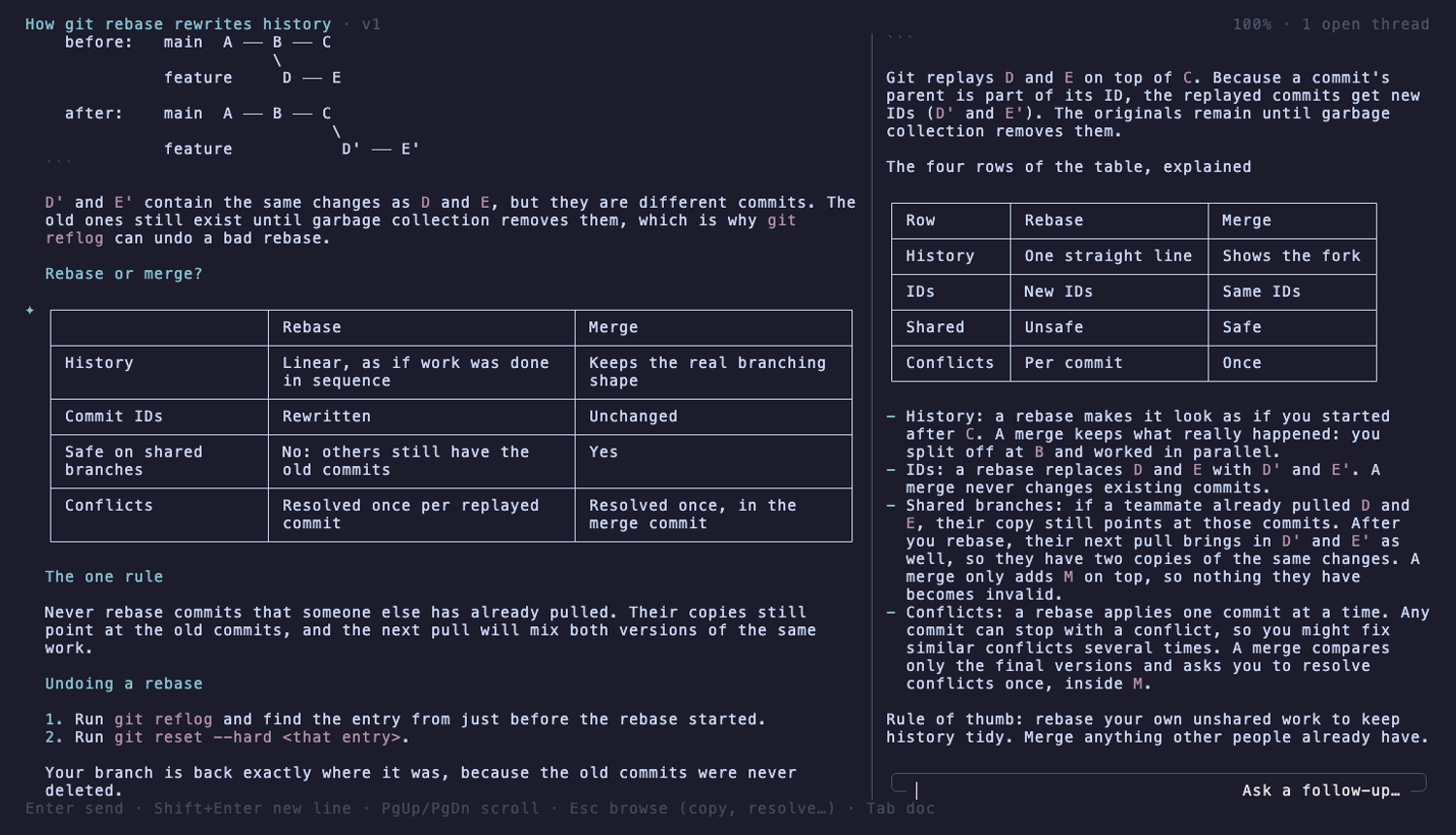
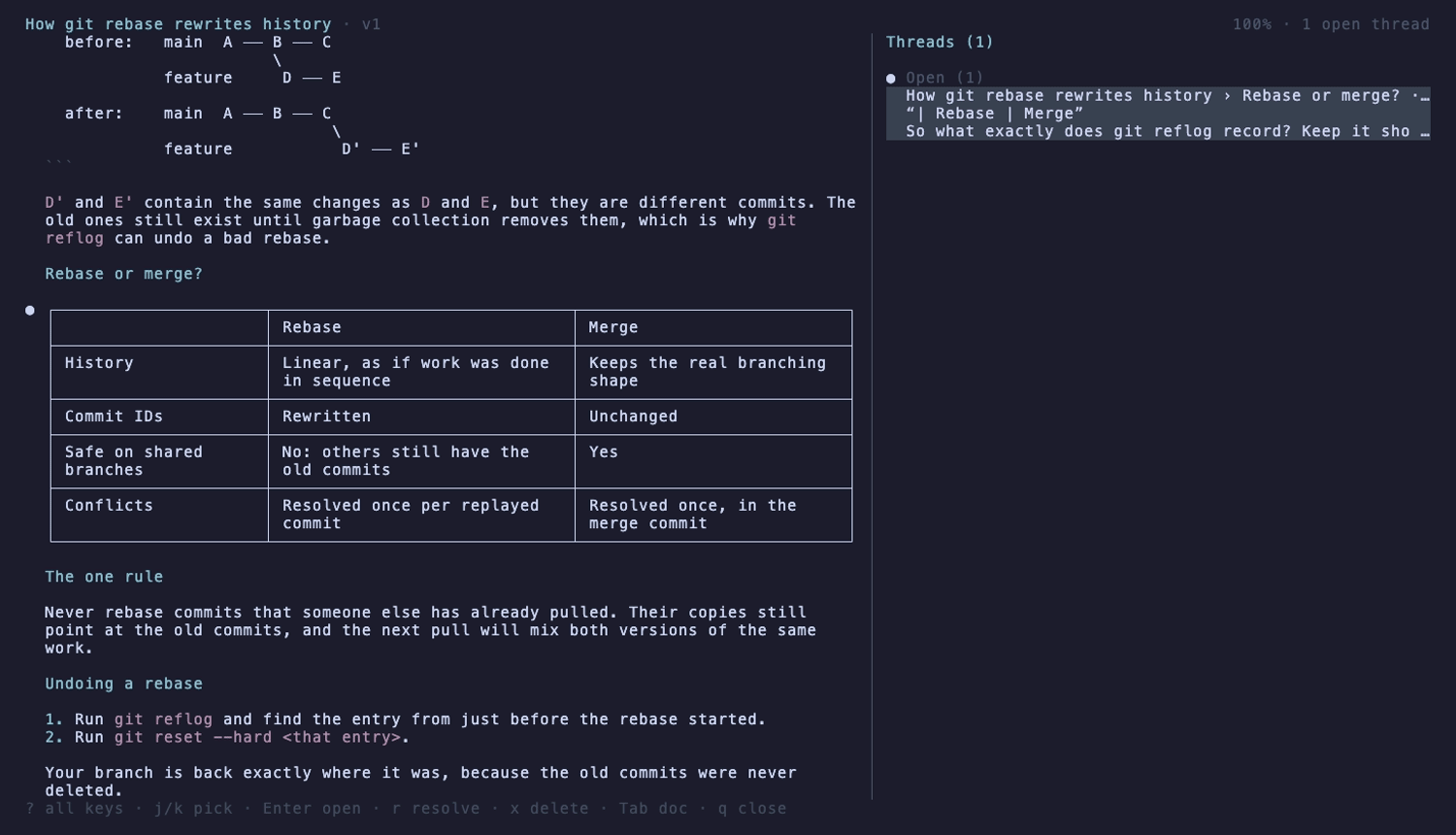
Threads are grouped by what they need from you:
| Icon | Group |
|---|---|
| spinner | Answering |
✦ |
New answers you haven't looked at |
● |
Open |
✓ |
Resolved |
△ |
Passage changed: the text it was about was rewritten |
The same icon marks the passage in the document's left margin.
| A thread | The thread list | Every key (?) |
|---|---|---|
 |
 |
 |
What stays private
- Side threads never enter the conversation. They use omp's side-turn API (
ctx.runEphemeralTurn, the same one/btwuses). Nothing is written to the session journal, so the agent doesn't see your questions later, and they aren't in exports. - Everything is stored in the session's own folder: documents, their versions, and your threads. Nothing leaves your machine except the model calls for your questions.
- Each question sends your conversation, the document (or, for a very long one, its outline and the passage's surroundings), the passage and your question, to the model you're using.
Requirements and limits
- omp 18.11 or newer, in the interactive terminal UI.
- Below 110 columns the reader shows one pane at a time;
Tabswitches between them.
How it works
docs/design.md covers the architecture, the data layout and the side-turn contract. docs/research.md lists the sources behind the design choices.
Development
git clone https://github.com/Mannan-Goyal/omp-sidelight
omp plugin link ./omp-sidelight   # omp now loads your working copy
npm test                          # unit tests (Node 22+)
./demo/record-demos.sh            # regenerate the GIFs and screenshots (needs vhs)
License
MIT