@kyuc/pi-cat-loader0.4.0
Animated cat loading indicator for pi.
Untested on omp
This is a pi package. No one has reported whether it works on omp yet. If you try it, add your result below.
Reports 0
No reports yet.
Readme
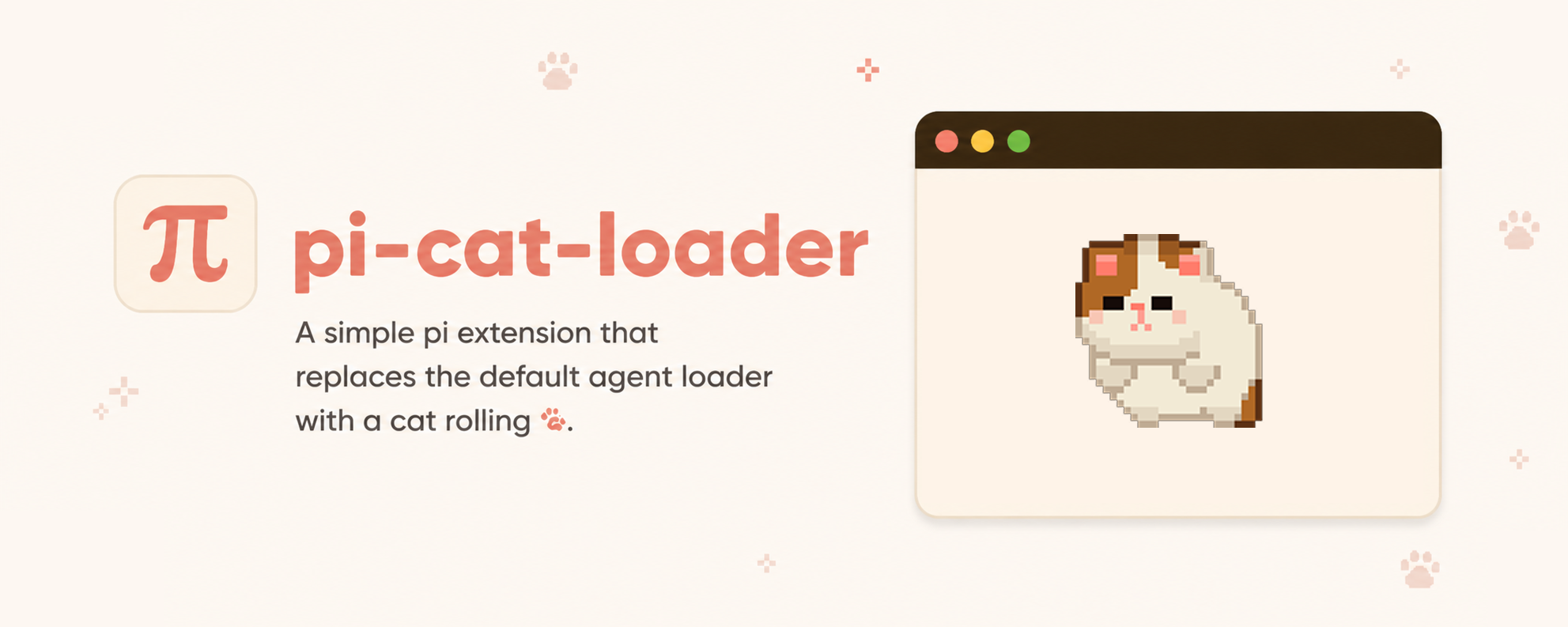
pi-cat-loader
Animated rolling cat loader for pi. Replaces pi's inline spinner with cat animation and adds /cat-loader command controls.
https://github.com/user-attachments/assets/b2ad6d9b-f83b-4dcc-8f00-bff028aa1993
Compatibility
This extension requires a terminal with inline image support. Known terminals that work include:
- Ghostty
- Kitty
- WezTerm
- iTerm2
This extension does not work inside tmux. When tmux is detected, the cat loader is automatically disabled and pi falls back to its regular spinner.
Installation
pi install npm:@kyuc/pi-cat-loader
Commands
/cat-loader on                    Enable cat loader
/cat-loader off                   Disable cat loader
/cat-loader preview               Show cat loader for 5 seconds
/cat-loader clear                 Clear terminal images
/cat-loader size <value>          Set each cat's width (small, medium, large, or 1-20)
/cat-loader speed <value>         Set frame rate (slow, normal, fast, or 1-60 FPS)
/cat-loader color <colors...>     Set 1–5 ordered colors (classic, black, gray/grey, white, peach, random)
/cat-loader help                  Show help
Multiple cats
/cat-loader color white black grey
/cat-loader color black black white gray peach
/cat-loader color classic
/cat-loader color white random random
Choose 1–5 cats in left-to-right order; repeated colors are allowed. One color returns to a single cat. Cats animate in sync at the same speed, with one-cell gaps. Size applies to each cat. When the terminal is too narrow, trailing cats are hidden until space is available—cats never shrink or wrap.
Each random slot independently picks from the five colors with equal odds at the start of each loading run or preview. Picks stay fixed across animation frames, redraws, and resizing. Duplicates and repeated picks between runs are allowed. Settings retain random, not the picked colors.
Configuration
Settings are saved under pi's catLoader config key. You can change these through /cat-loader commands, or edit pi settings directly:
{
  "catLoader": {
    "enabled": true,
    "sizeCells": 4,
    "framesPerSecond": 20,
    "colors": ["white", "black", "gray"]
  }
}
sizeCells must be 1-20 per cat. framesPerSecond must be 1-60. colors must contain 1–5 entries: classic, black, gray, white, peach, or random. grey is accepted and saved as gray. Default: one classic cat. Invalid lineups fall back to this default.
Legacy "color": "black" settings load as "colors": ["black"]. Within one settings file, colors takes precedence over color. Project settings override global settings, including legacy colors. Commands save the new colors format globally.