@krfantasy/pi-monokai-pro0.2.0
Monokai Pro (CE) theme for the pi coding agent
Untested on omp
This is a pi package. No one has reported whether it works on omp yet. If you try it, add your result below.
Reports 0
No reports yet.
Readme
pi-monokai-pro
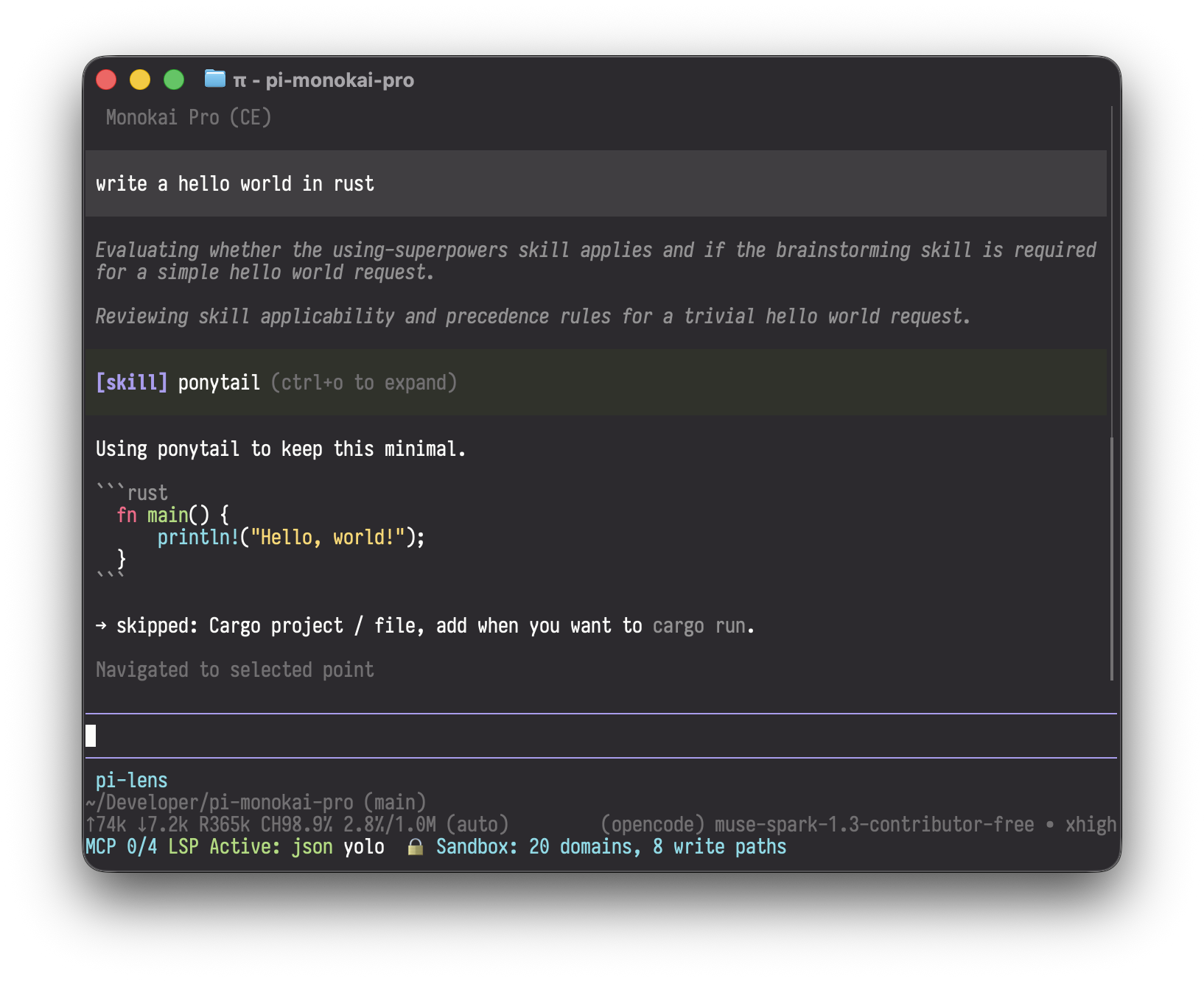
Monokai Pro (CE) theme for the pi coding agent.
Uses the official Monokai Pro palette (default filter): #FF6188 keyword, #FC9867 argument, #FFD866 string, #A9DC76 function, #78DCE8 class, #AB9DF2 constant, with the #2D2A2E / #221F22 / #19181A background ladder.
Install
# from this repo
pi install ./path/to/pi-monokai-pro

# or from git
pi install git:github.com/krfantasy/pi-monokai-pro

# or via npm
pi install npm:@krfantasy/pi-monokai-pro
For a project-local install, add -l.
Activate
Run /settings in pi and select Monokai Pro (CE), or set it directly in settings.json:
{
  "theme": "Monokai Pro (CE)"
}
Tip: for the full look, set your terminal background to #2D2A2E and enable truecolor (COLORTERM=truecolor).
Hot reload: edit themes/monokai-pro.json while the theme is active and pi applies changes immediately.
Layout
themes/monokai-pro.json   # the theme (56 colors, official palette)
package.json              # pi package manifest (pi.themes)
License
MIT. Monokai Pro is a copyrighted color scheme by Monokai; this package follows the Community Edition rules: default filter only, free and open source, named "Monokai Pro (CE)".