@henryqw/pi-add-dir3.2.2
Add external directories to a Pi session with context, skills, and file search.
Untested on omp
This is a pi package. No one has reported whether it works on omp yet. If you try it, add your result below.
Reports 0
No reports yet.
Readme
@henryqw/pi-add-dir
Use external context, external skills, and searchable files in Pi without copying or linking external directories.
Install
pi install npm:@henryqw/pi-add-dir
Use
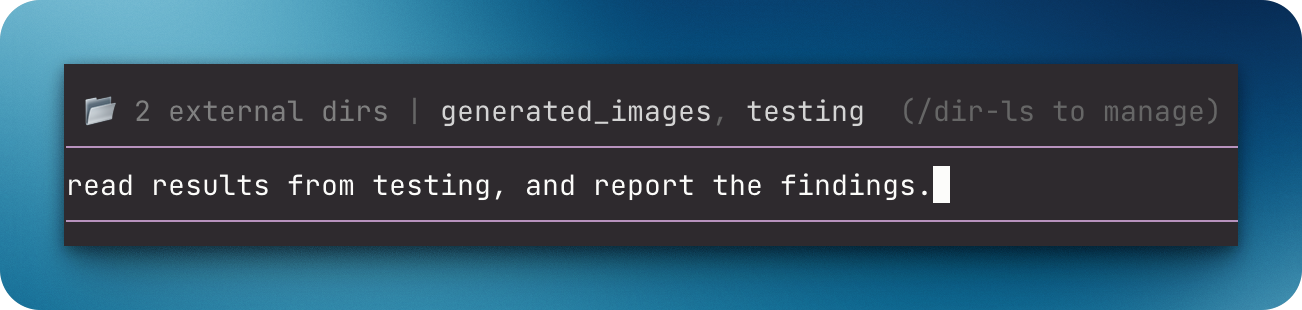
Run /dir-add, enter a directory, then run /dir-ls to verify it. Humans use commands; agents use tools.
| Surface | Type | Purpose |
|---|---|---|
/dir-add [--project|--global] [path] |
command | Add to this session by default. Use --project for this repository and linked worktrees, or --global for every workspace. Omit the path for interactive input. Supports ~. |
/dir-ls |
command | List directories and scopes; select one to remove it from that scope. |
/dir-reload |
command | Reload external directory resources. |
add_directory(path) |
tool | Add session-only context and return instructions. Model-only: scripts and other tools cannot call it. |
search_external_files(pattern, maxResults?) |
tool | Search added directories with a glob. Default: 50 results; maximum: 1,000. Codemode receives structured results. |
@ file autocomplete |
ui | For users: find external files and insert absolute paths. |
| External directory widget | ui | For users: show directories; use /dir-ls to manage them. |
Pi adds root AGENTS.md, CLAUDE.md, .pi/AGENTS.md, and .pi/CLAUDE.md to later prompts. External skills come from .pi/skills, .agents/skills, and .claude/skills.
/dir-add reloads only when discovered external skill paths change, not merely because skills exist. If add_directory asks for /reload, run it to update skills.
External instructions and skills enter through a model-visible tool call or user command.
Search results
search_external_files declares an output schema. Scripts receive { pattern, maxResults, searchedDirectories, totalFound, truncated, directories }.
directories contains only matching directories, with labels and absolute file paths. searchedDirectories includes searched directories without matches, but excludes directories skipped after the limit.
truncated: true means the limit stopped the search; later files or directories can have more matches. Models receive the same matches as text. With no external directories, the tool returns an error; scripts reject with its message.
Config
Package-owned: ~/.pi/agent/config/pi-add-dir/config.json
| Name | Description | Values | Default |
|---|---|---|---|
directories |
Directories for every workspace. /dir-add --global updates this list. |
Array of unique absolute paths without control characters. | [] |
Missing files use the default. At launch, Pi warns about each unknown key and invalid or duplicate entry, skips them, and loads valid directories. Malformed files or non-array directories produce a warning and use the default. The file stays unchanged.
Global additions and removals fail until you fix reported config problems. Reload Pi after manual edits.
State and storage
Session directories belong to the current session branch. New additions reject directories inside or containing Pi's working directory, or overlapping active external directories. Restored session entries do not repeat overlap checks when the working directory changes.
Project directories use repeatable local Git config key pi-add-dir.directory, shared by linked worktrees. This machine-local config cannot come from a clone. /dir-add --project requires a Git repository.
Select persistent scopes explicitly: external directories can inject AGENTS.md, CLAUDE.md, and skills.
Limits and recovery
Search uses Node and supports basename and relative-path globs. It skips .git, node_modules, and symbolic links.
Missing or overlapping project and global directories stay configured but are skipped with warnings. Restore missing paths, or remove an incorrect path with /dir-ls and add the corrected path with /dir-add; then run /dir-reload.