@aliou/pi-theme-jellybeans0.1.8
Jellybeans Mono themes for Pi in dark and light variants.
Untested on omp
This is a pi package. No one has reported whether it works on omp yet. If you try it, add your result below.
Reports 0
No reports yet.
Readme
Jellybeans Theme

Pi theme package for Jellybeans mono variants.
Previews
Dark:
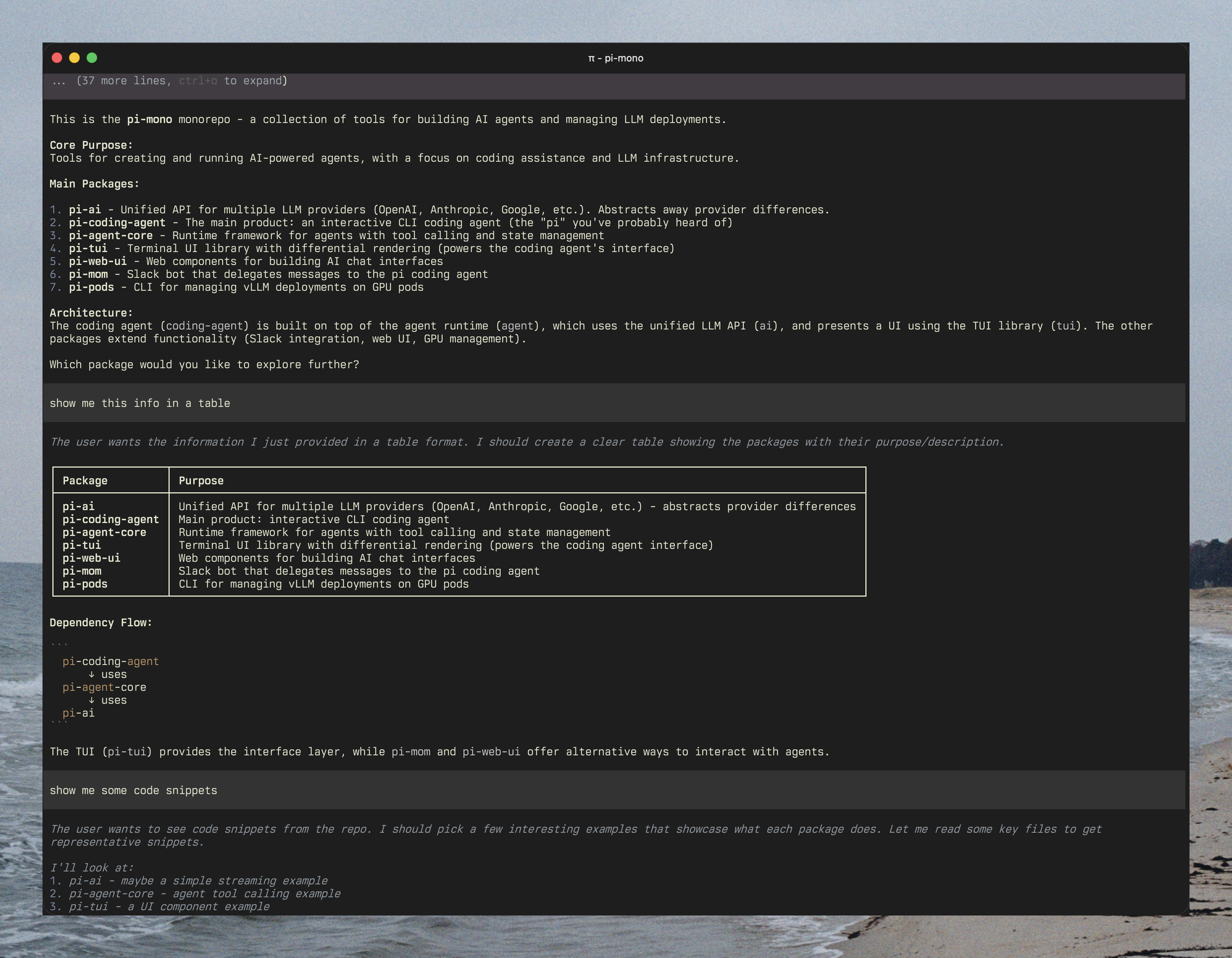
Export preview: https://buildwithpi.ai/session/#5767748149f3ec673145a4aabcb74400
Light:
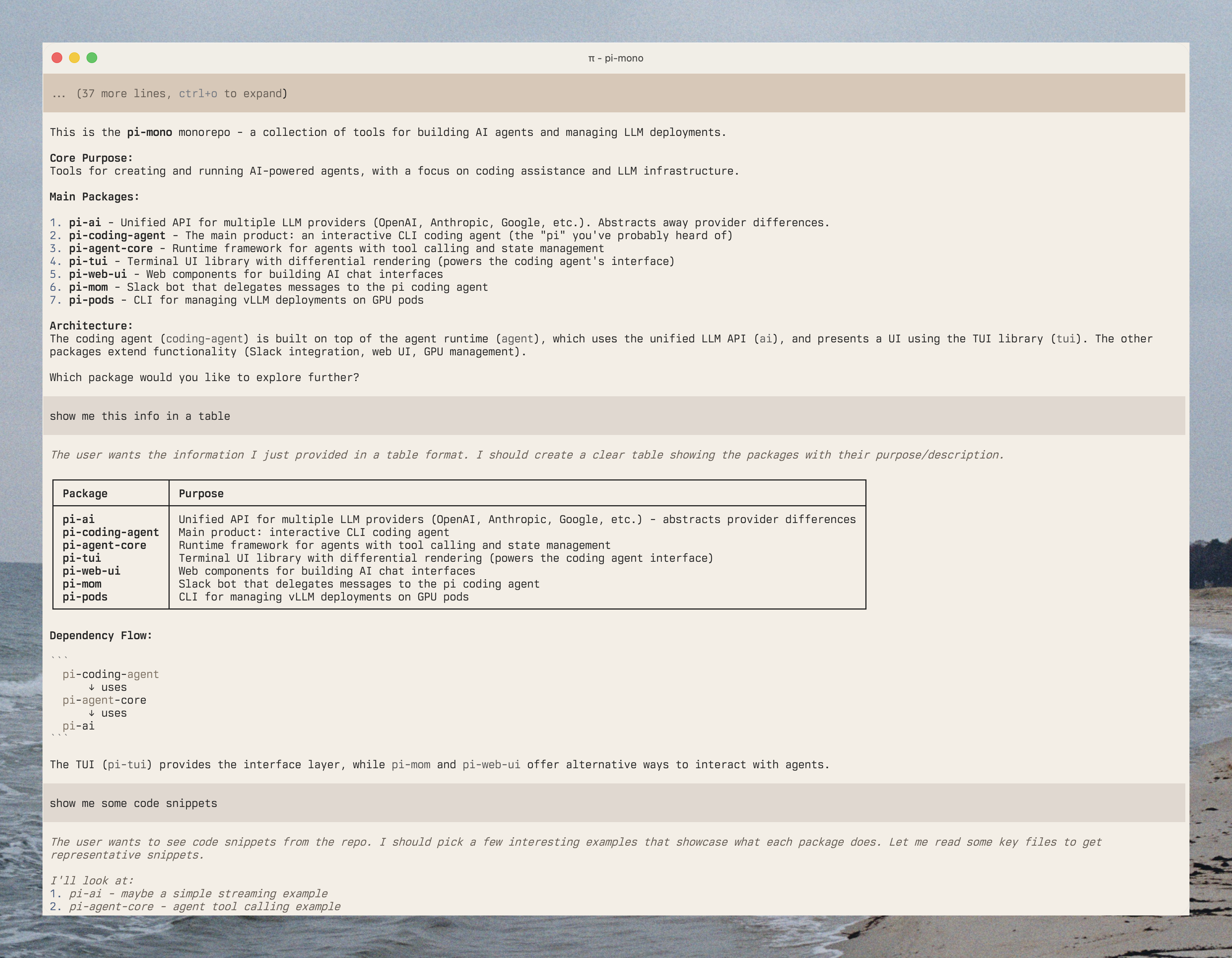
Export preview: https://buildwithpi.ai/session/#ea67a1e2dea7211d66879805fc5abe19
Installation
Install from git:
pi install git:github.com/aliou/pi-extensions
Or selectively in settings.json:
{
  "packages": [
    {
      "source": "git:github.com/aliou/pi-extensions",
      "themes": ["themes/jellybeans"]
    }
  ]
}
Or from npm:
pi install npm:@aliou/pi-theme-jellybeans
Usage
Select a theme:
/theme jellybeans-mono
Or in settings.json:
{ "theme": "jellybeans-mono" }
Light and dark terminals
Pi can pick a theme per terminal appearance. Store the light theme first, the
dark theme second, separated by /:
{ "theme": "jellybeans-mono-light/jellybeans-mono" }
For a single invocation:
pi --use-theme jellybeans-mono-light/jellybeans-mono
Pi decides whether the terminal is light or dark from its reported background
and foreground colors, then the terminal's light/dark report, then the
COLORFGBG environment variable, then dark.